Blackmagic Design has announced a new series of free public training sessions for DaVinci Resolve, covering the full post-production pipeline. The program is aimed at beginners, intermediate users, and professionals looking to deepen their understanding of Resolve’s editing, color, audio, and visual effects tools. The live online sessions run from late February through April. All sessions are free and require advance registration. Here’s the full schedule.
Full training schedule with detailed session content
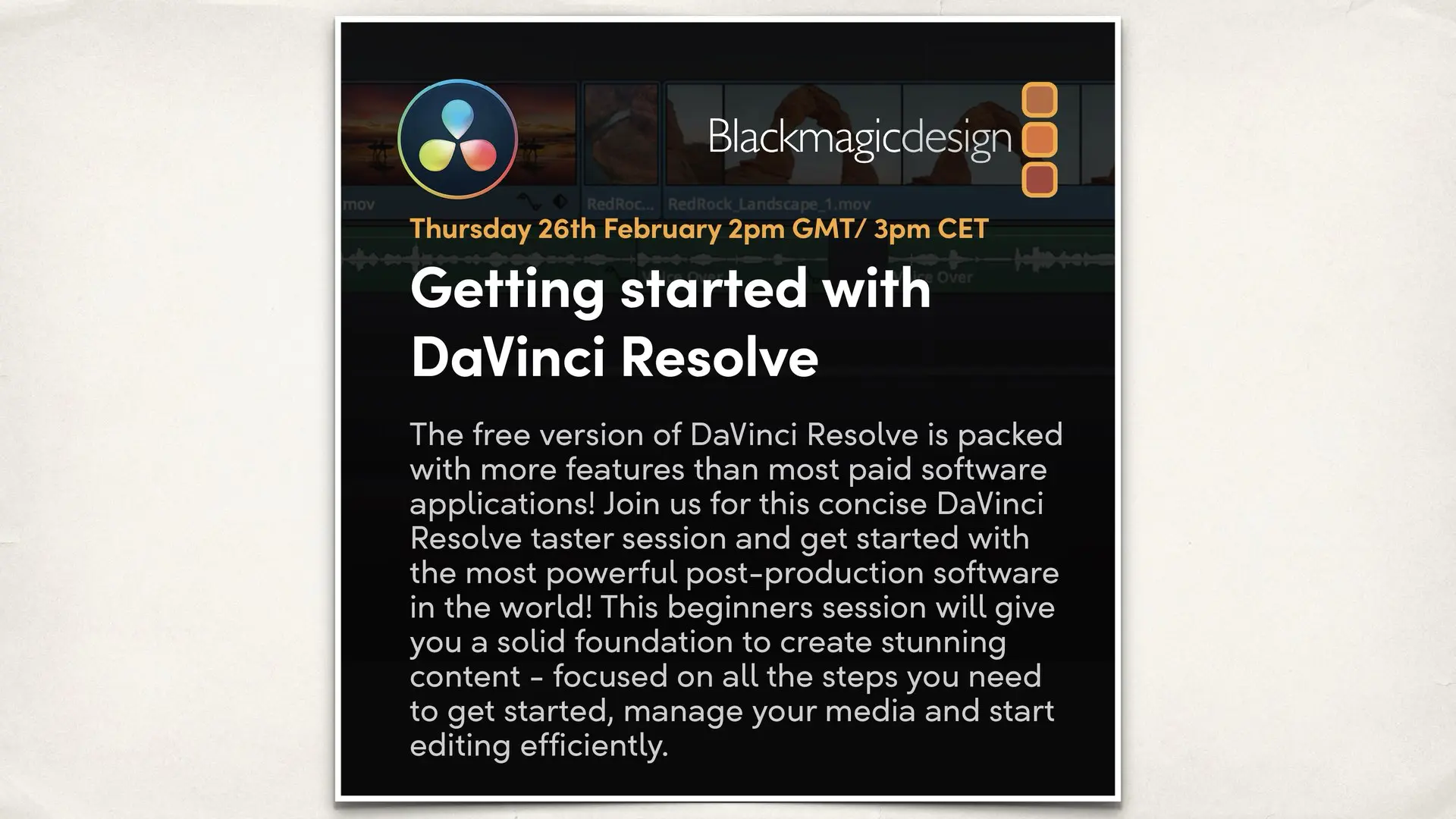
Thursday 26 February. 2pm to 4pm GMT
Getting Started with DaVinci Resolve
This introductory session is designed for users completely new to DaVinci Resolve. It covers the overall interface, page-based workflow, project creation, media import, timeline basics, and essential editing concepts. The session explains how Resolve handles media, projects, and timelines, providing a solid foundation for further learning.
Click here
Friday 27 February. 2pm to 4pm GMT
Upgrading to DaVinci Resolve Studio
This webinar focuses on what users gain by upgrading from the free version to DaVinci Resolve Studio. Topics include AI-powered tools such as Magic Mask, facial recognition, and object tracking, advanced noise reduction, HDR grading workflows, stereoscopic tools, and multi-user collaboration. It is aimed at users evaluating whether Studio features justify the upgrade for professional work.
Click here
Thursday 12 March. 2pm to 4pm GMT
An Introduction to Fusion in DaVinci Resolve
This session introduces Fusion’s node-based compositing environment inside DaVinci Resolve. It covers the fundamentals of working with nodes, creating basic visual effects, motion graphics, titles, masking, and keying. The webinar also explains how Fusion integrates directly into the Resolve timeline, eliminating the need for external compositing software or round tripping.
Click here
Friday 13 March. 2pm to 4pm GMT
Editing with DaVinci Resolve for New Users
This session builds on the basics and focuses specifically on editing workflows. It covers trimming techniques, timeline tools, transitions, playback optimization, ripple and roll edits, keyboard shortcuts, and general editing efficiency. The goal is to help new users edit faster and more confidently within Resolve.
Click here
Thursday 26 March. 2pm to 4pm GMT
Editing with DaVinci Resolve. Intermediate
Designed for users with prior Resolve experience, this webinar explores more advanced editing workflows. Topics include multicam editing, proxy media, timeline versioning, collaboration features, media organization strategies, and techniques used in professional editorial environments.
Click here
Friday 27 March. 2pm to 4pm GMT
Getting Started with Audio in DaVinci Resolve
This session introduces the Fairlight audio page and Resolve’s integrated audio post production tools. It covers dialogue editing, audio mixing, sound effects, basic sound design, audio effects, and loudness management. The webinar is aimed at editors who want to complete audio work inside Resolve without external DAWs.
Click here
Thursday 9 April. 2pm to 4pm GMT
An Introduction to Color in DaVinci Resolve
This webinar focuses on the fundamentals of color grading in Resolve. Topics include color management, scopes, primary corrections, node based workflows, balancing shots, and building a clean grading foundation. It is ideal for editors beginning to explore professional color grading workflows.
Click here
Friday 10 April. 2pm to 4pm GMT
Creative Color Techniques in DaVinci Resolve
An advanced color grading session focused on creative workflows. It explores secondary corrections, power windows, tracking, look development, film style grading techniques, and creative color strategies commonly used in commercial, documentary, and narrative projects.
Click here
Editorial takeaway
This training program effectively covers the entire DaVinci Resolve ecosystem, from first launch to advanced color and finishing workflows. By offering free, structured education across all major modules, Blackmagic continues to lower the barrier to entry while strengthening long term user adoption. For filmmakers, editors, and content creators at any stage, these sessions offer direct access to official Blackmagic training with practical, real-world relevance.