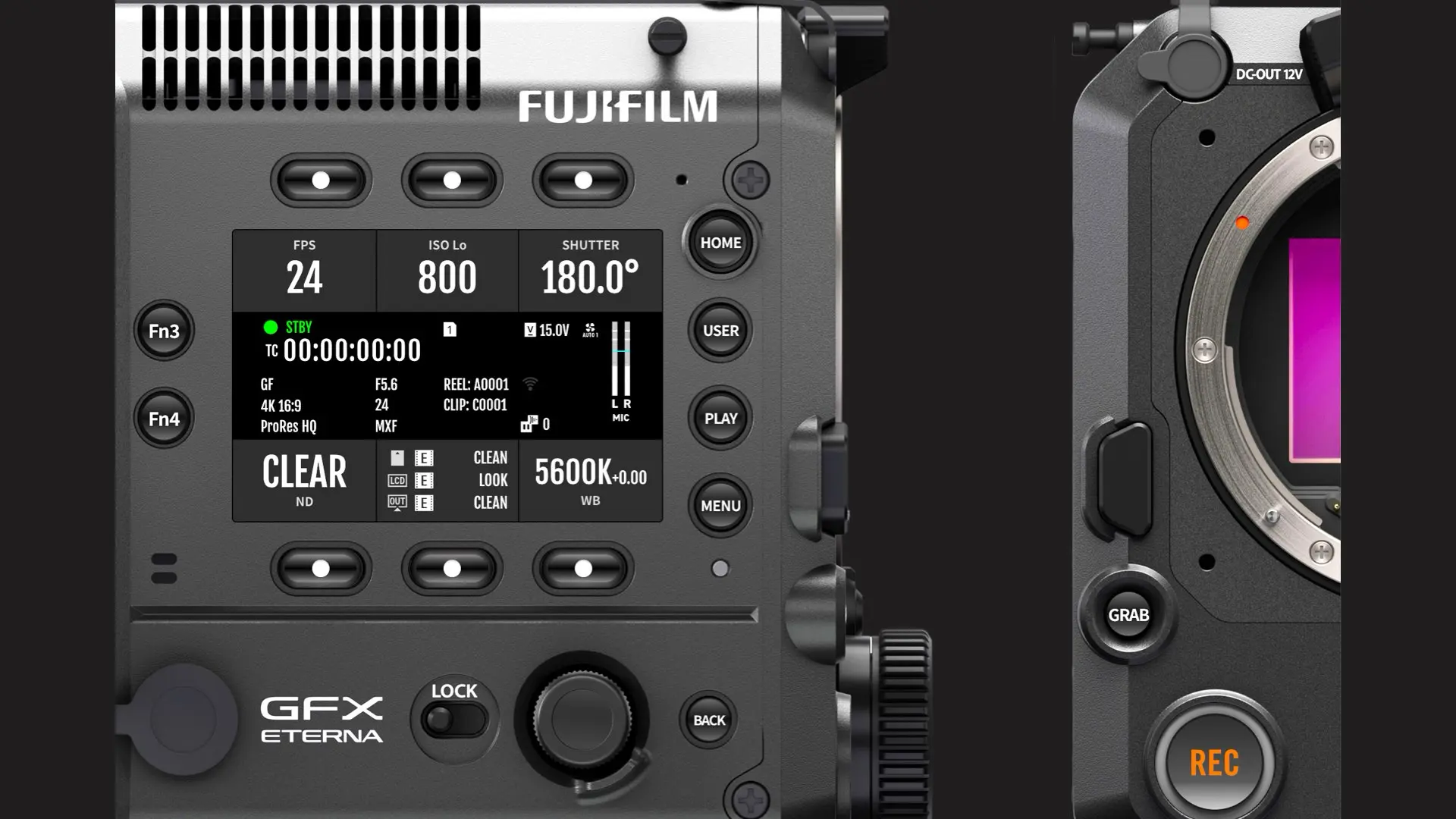
Fujifilm has officially released a public web simulator for the GFX ETERNA 55, allowing filmmakers to explore the camera’s interface directly from a browser. Anyone can now interact with the UI, understand how the system is organized, and get a feel for operational flow before touching the physical camera. For working cinematographers and crews, that matters because interface decisions affect speed, confidence, and consistency on set.
From specifications to workflow
Most coverage around a new camera focuses on what it can record and how it looks on paper. That is normal. But in day-to-day production, the workflow layer often matters just as much as the imaging layer. Crew members need to know where things live, how quickly settings can be changed, and whether the interface supports the kind of pace a set demands. A simulator helps answer practical questions that are hard to judge from a spec list. How many steps does it take to switch a recording format? How clearly does the camera surface expose critical information? How does it present shutter behavior? Does the UI feel designed around a cinema mindset, where shutter angle, timecode, reel and clip logic, and monitoring routes are first-class concepts? For rental houses and assistants, a simulator also reduces friction. It becomes a training tool that does not require a camera body to be physically available. For productions, it helps with standardization. Teams can preview the menu structure and decide how they want to configure defaults before the first shoot day.
A practice seen in established cinema systems
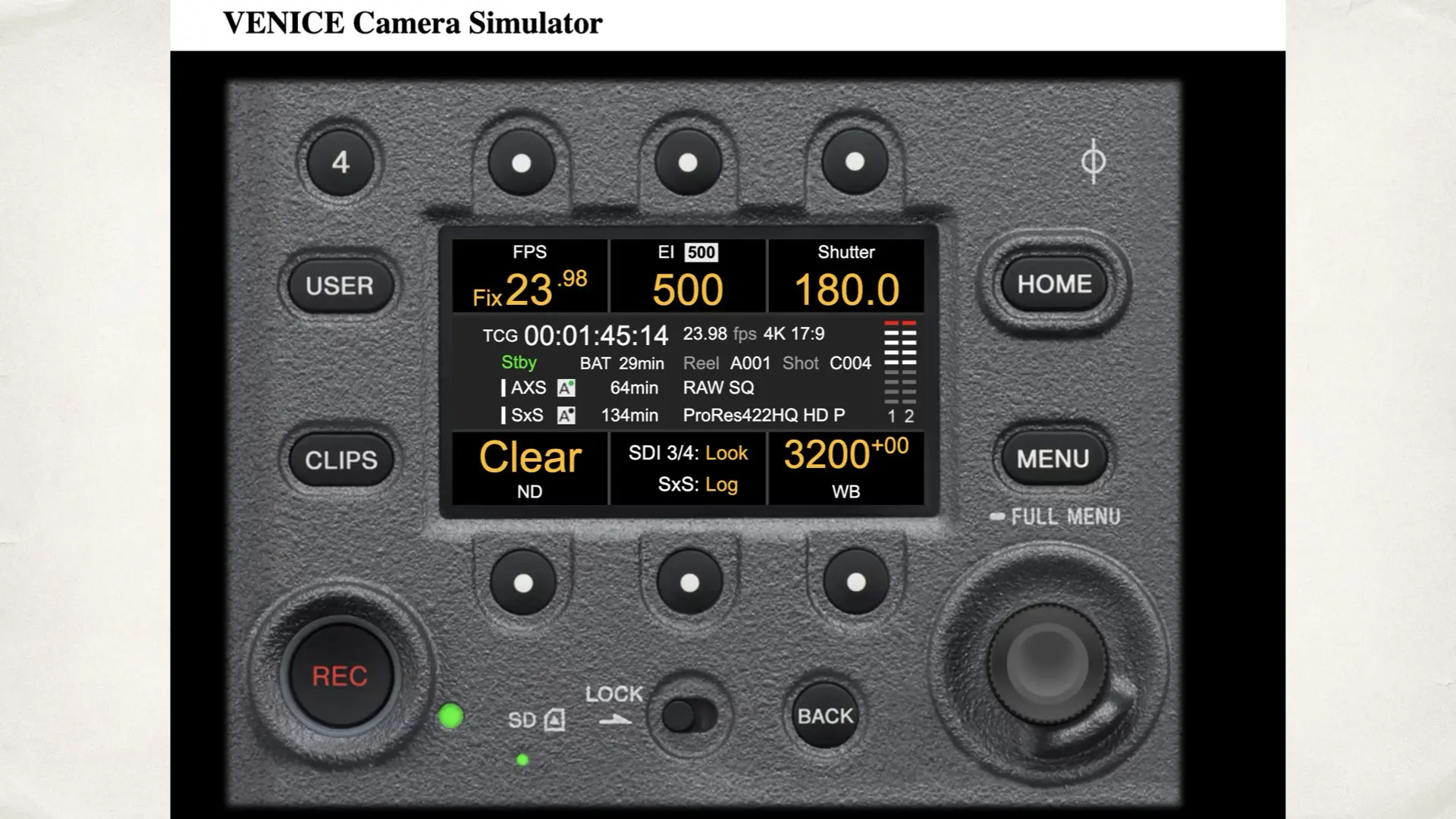
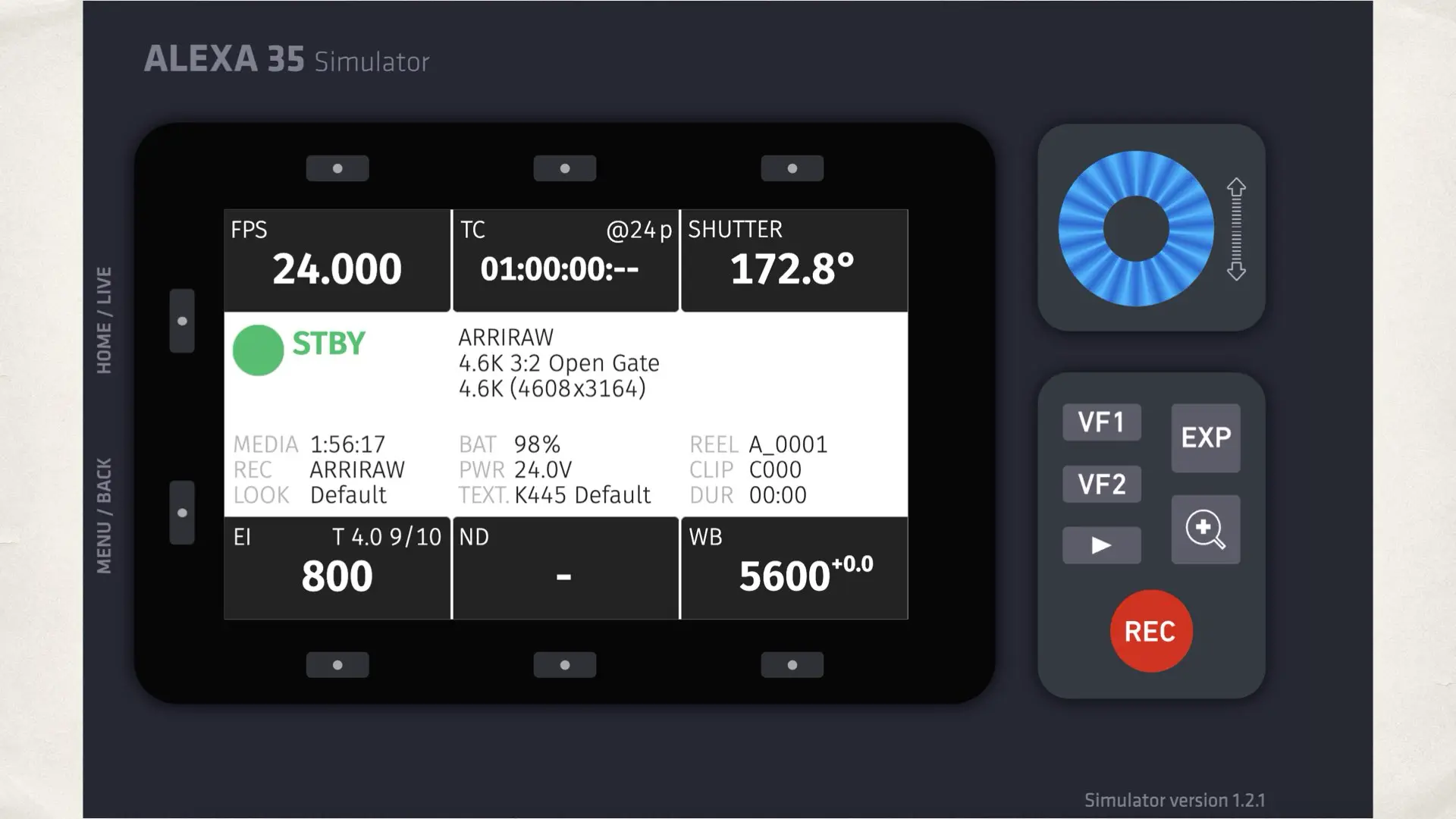
Public UI simulators are not new in the cinema world. Some established cinema platforms have offered simulators so users can learn the interface, preview menu structure, and understand operational logic without being in front of the camera. The familiar examples many people have seen are simulators built around ARRI and Sony cinema UI concepts. What matters is the message the simulator sends. It suggests a manufacturer is willing to let professionals judge usability directly. It also suggests confidence that the interface is mature enough to be explored publicly, not only described through marketing language. We are not claiming that Fujifilm is identical to any long-established cinema manufacturer. The idea is to adopt a professional presentation pattern that fits the cinema market. A simulator is a workflow first release. It is aimed at people who care about how the camera behaves in real production conditions.
What users can actually test in the Fujifilm simulator
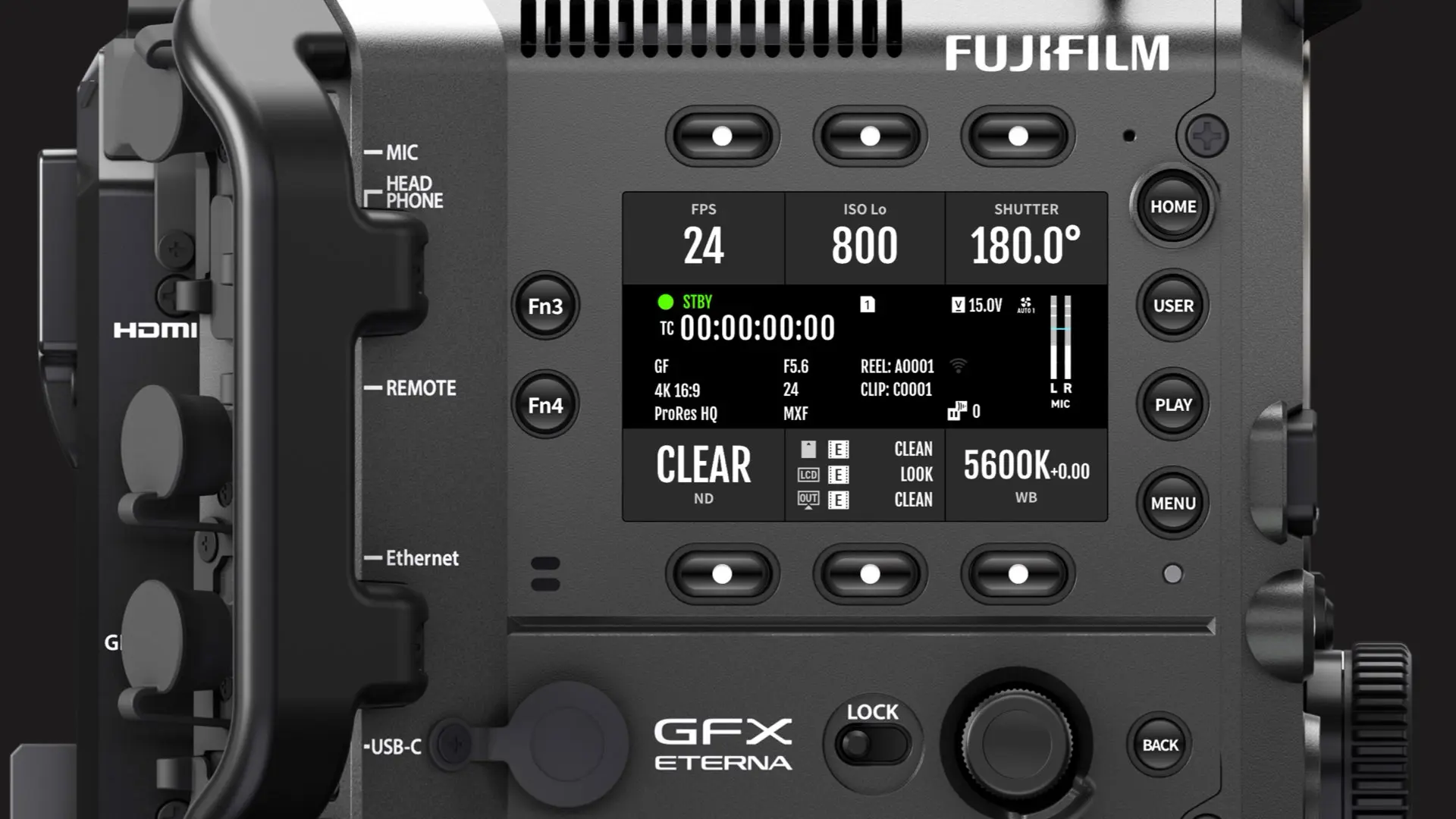
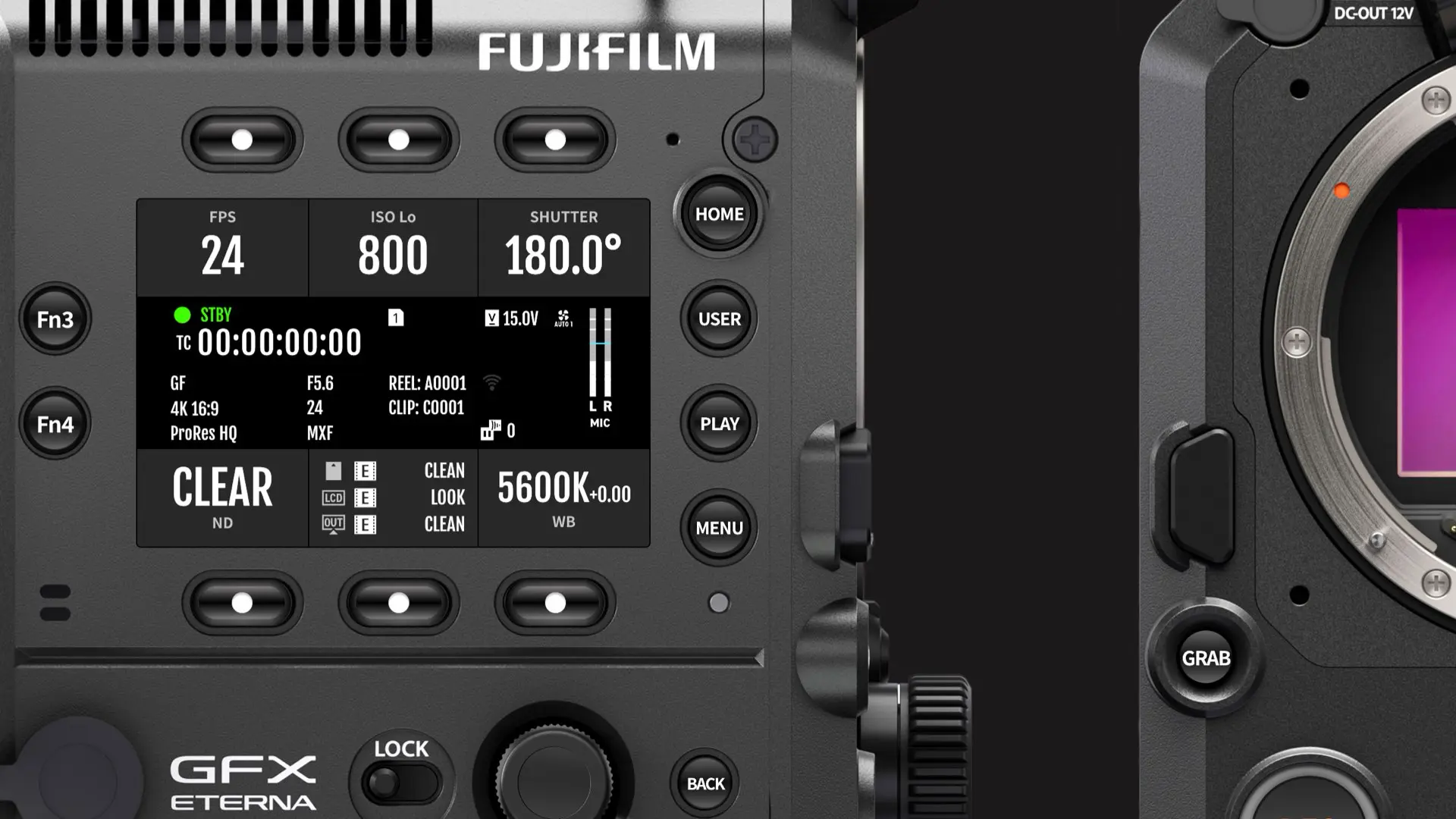
The GFX ETERNA 55 simulator is useful because it is not just a rotating product render, but fundamentally UI focused. Users can explore how Fujifilm chose to structure the camera’s operating logic and how key shooting information is surfaced. From the UI perspective, the simulator lets you evaluate how the camera presents core parameters like frame rate, ISO, shutter angle, ND status, codec or format indicators, and white balance. You can see how the camera clusters information, what it prioritizes visually, and what it keeps as secondary detail. That sounds small, but it has a real impact on set, especially during fast lighting changes, handheld work, or situations where the operator needs immediate clarity without digging through menus. You can also get a feel for the philosophy behind the control layout. Cinema cameras typically rely on repeatable, predictable navigation. The interface needs to support muscle memory. The simulator helps you judge whether the camera feels like it was designed for frequent changes under time pressure, or whether it feels more like a traditional consumer interface with deeper nesting. Even if you never click every option, simply seeing the UI architecture gives you a realistic impression of what operating the camera will feel like.
Why this matters for crews and rentals
The simulator is valuable because it serves multiple parts of the production ecosystem at once. For cinematographers, it helps answer whether the camera feels intuitive. Some people can adapt quickly to any UI. Others want a system that matches their existing habits. A simulator allows that judgment without commitment. For 1st ACs and DITs, it supports preparation. When a camera arrives on set, time is expensive. If the team already knows where the core settings live and how monitoring and recording options are structured, the setup phase is faster and cleaner. For rental houses, it supports onboarding. A simulator can become part of pre-rental education. It can also help reduce support load, because some questions disappear once the user has explored the UI in advance. For producers and production managers, this matters indirectly. Faster configuration and fewer operational mistakes reduce delays. Even small delays multiply across shooting days.
Final thoughts
The GFX ETERNA 55 has already been discussed widely in terms of image potential and system ambitions. The simulator does not change the camera itself. What it does is change the evaluation process. It gives the community a way to judge usability directly, using a first-party tool released by Fujifilm. It also signals that Fujifilm wants the ETERNA platform to be taken seriously as a cinema product line with a workflow identity. In cinema production, usability is not a secondary consideration. Menu structure, information clarity, and parameter organization influence how efficiently a crew can work. By making the interface publicly available, Fujifilm is inviting that evaluation in advance. You can explore the simulator here.