
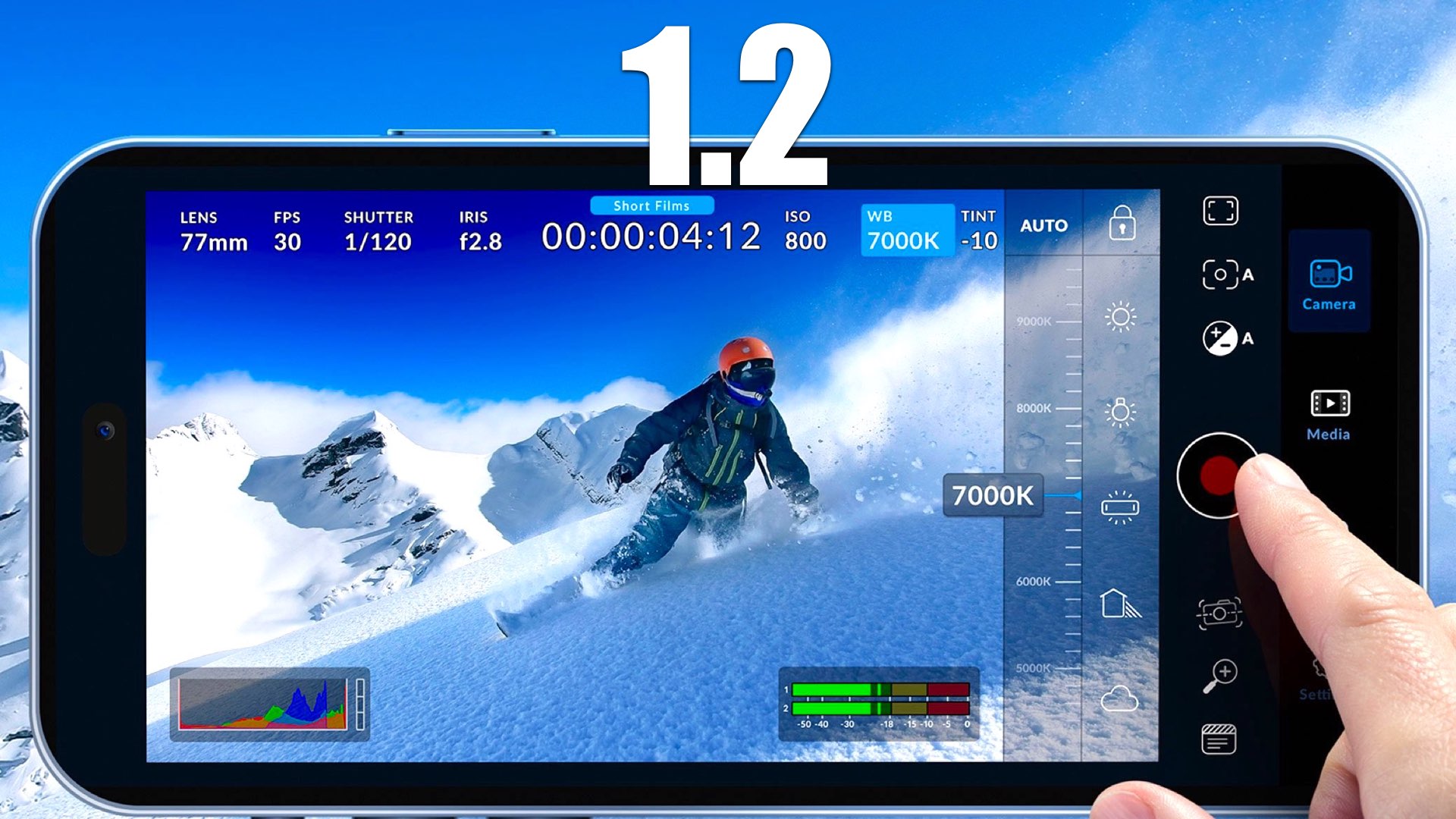
Blackmagic Design has just announced the Blackmagic Camera 1.2 update. This upgrade includes more precise positioning of control dials, support for 6 additional languages, a better layout of onscreen controls while in zoom mode, support for flicker-free shutter presets, and more good stuff. Here are the details.
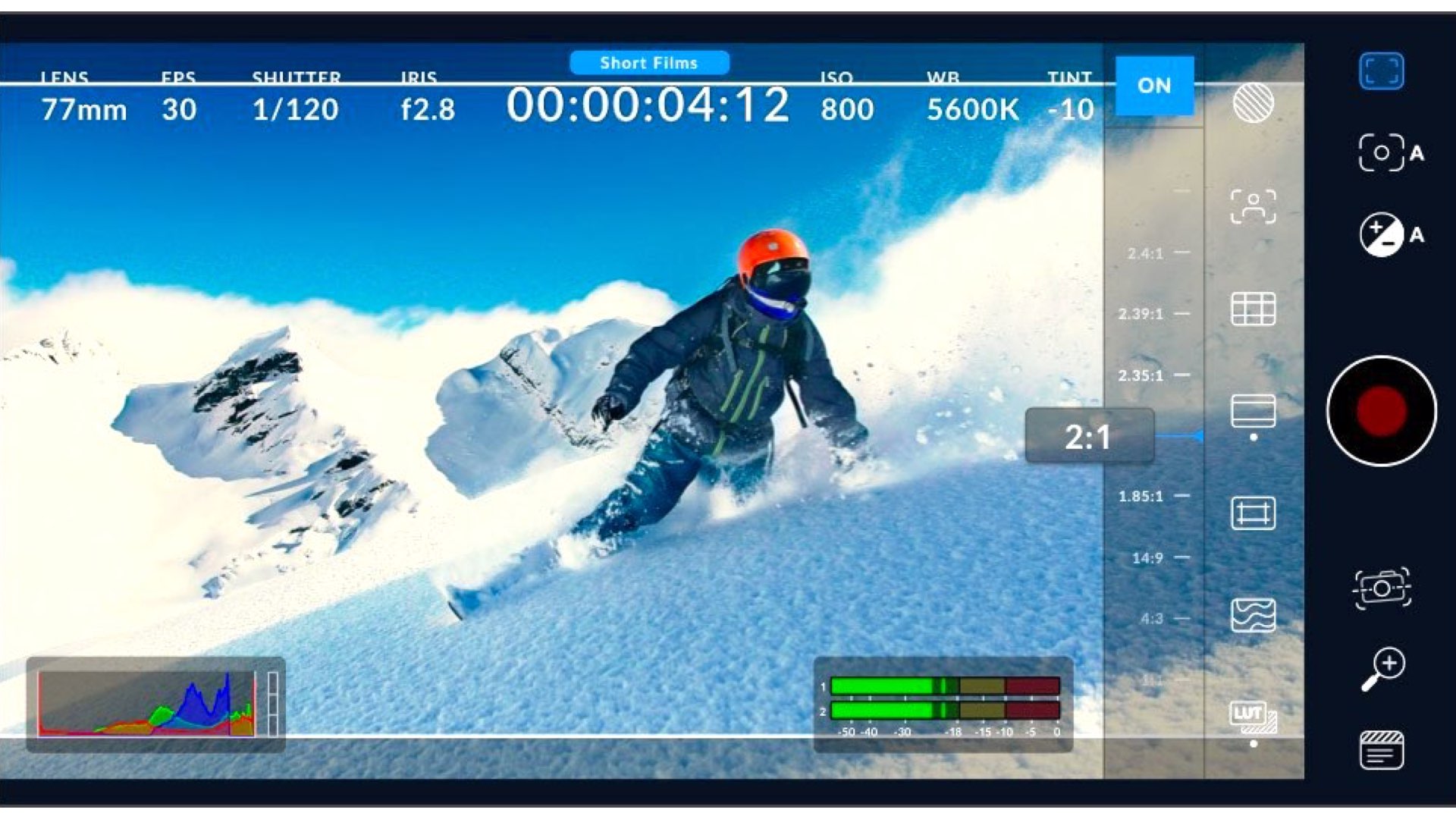
Blackmagic Camera
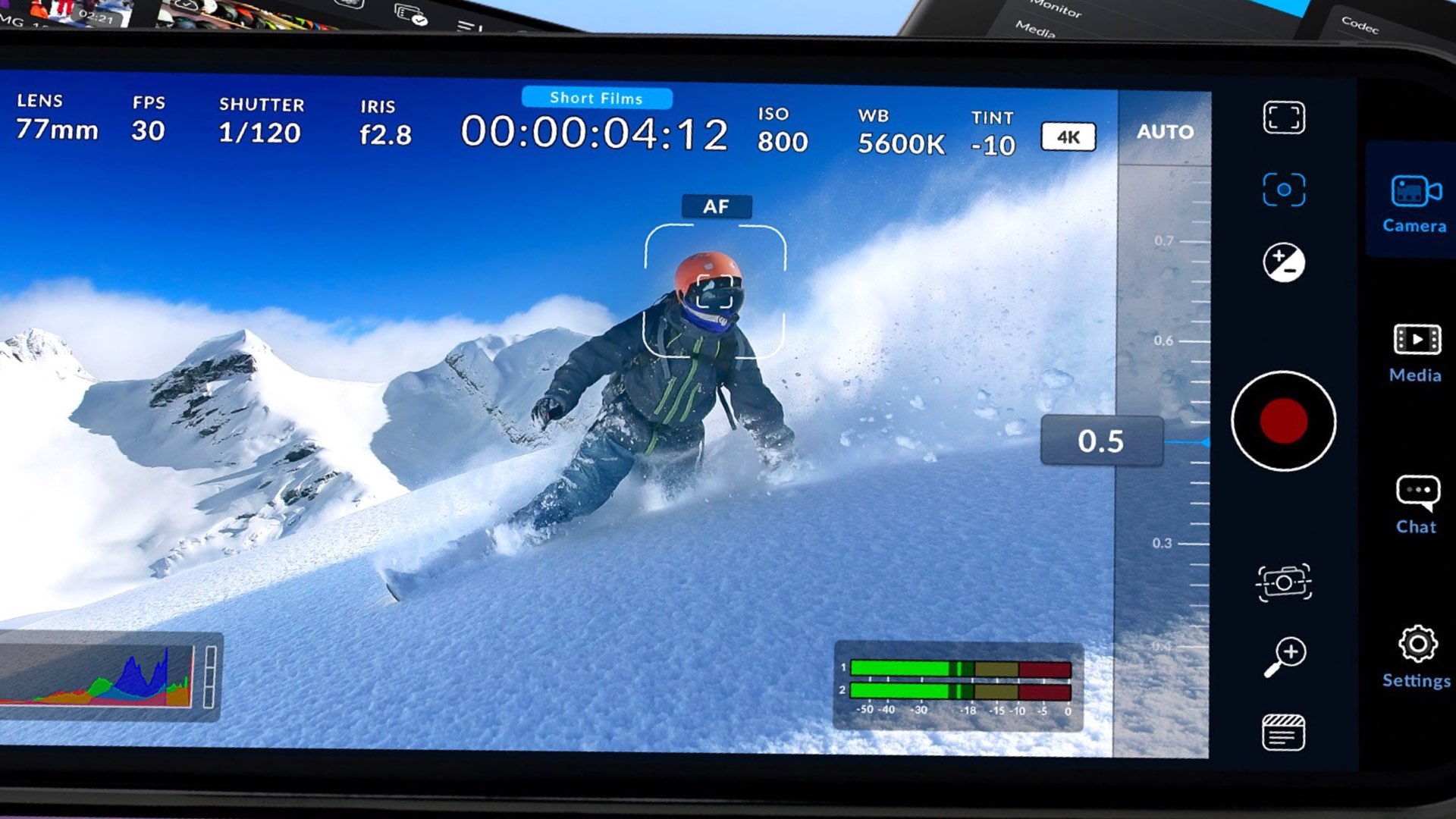
For those who are not familiar with the new app by Blackmagic (announced together with full-frame Cinema Camera 6K), here’s the description by Apple (no Android version for now): “The Blackmagic Camera unlocks the power of your iPhone ($1,119 on Amazon) by adding digital film camera controls and operating systems. Now you can create the same cinematic ‘look’ as Hollywood feature films. You get the same intuitive and user-friendly interface as Blackmagic Design’s award-winning cameras. So it’s just like using a professional digital film camera. This means you can adjust settings such as frame rate, shutter angle, white balance, and ISO all in a single tap. Or record directly to Blackmagic Cloud in industry-standard 10-bit Apple ProRes files up to 4K. Recording to Blackmagic Cloud Storage lets you collaborate on DaVinci Resolve projects with editors anywhere in the world, all at the same time”. The new features of the 1.2 version are below.
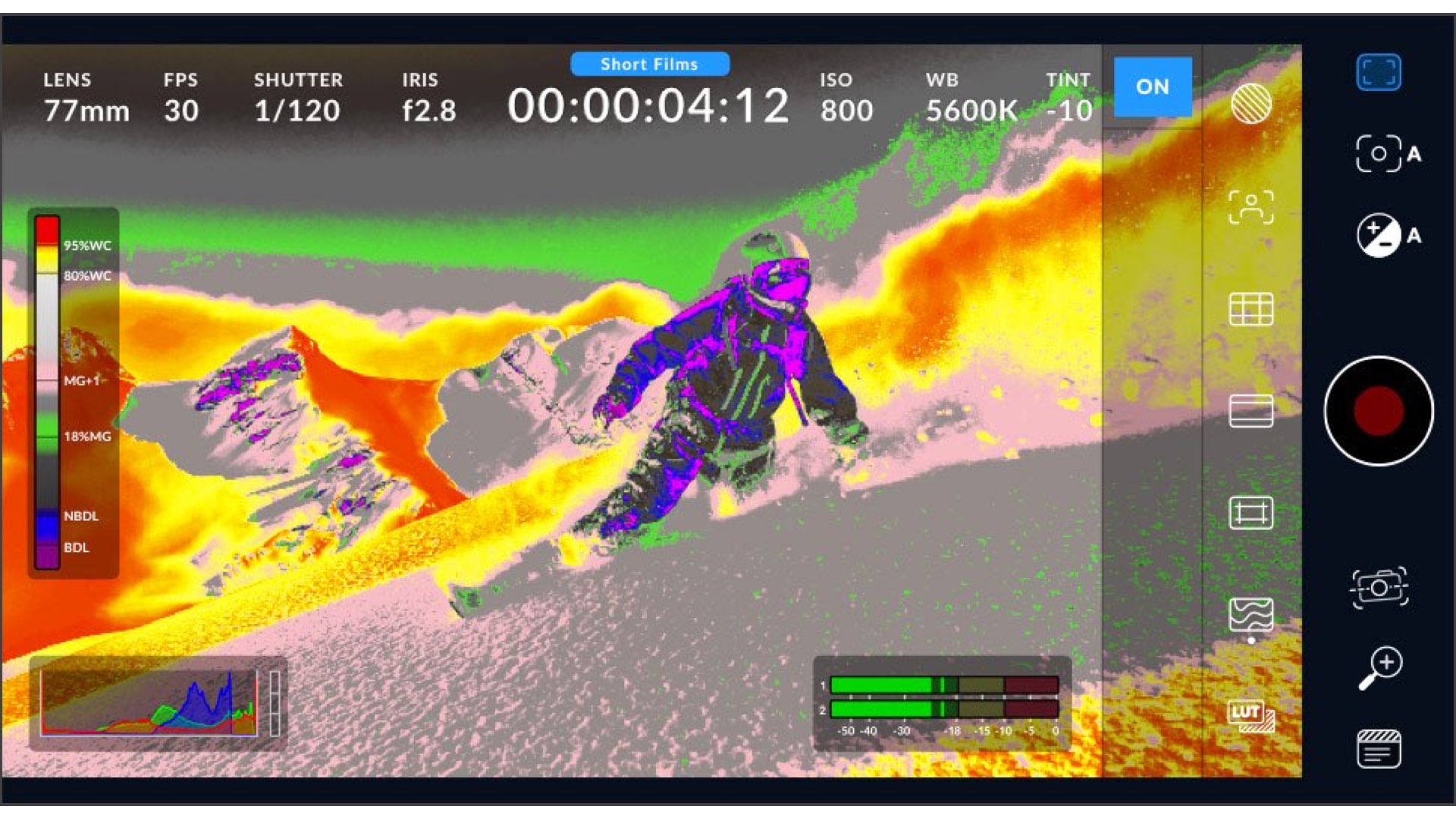
What’s new in Blackmagic Camera 1.2
These are the new features included in the newest version (1.2):
- Control dials now offer haptic feedback and higher accuracy.
- Support for 6 additional languages including Chinese, Japanese and Spanish.
- Improved layouts for iPhones with display zoom enabled.
- Improved animations for player and slate views in all iPhone models.
- Improved animations for stealth mode in smaller iPhone models.
- Improved organization and grouping of camera settings.
- Support for selecting a specific onboard microphone.
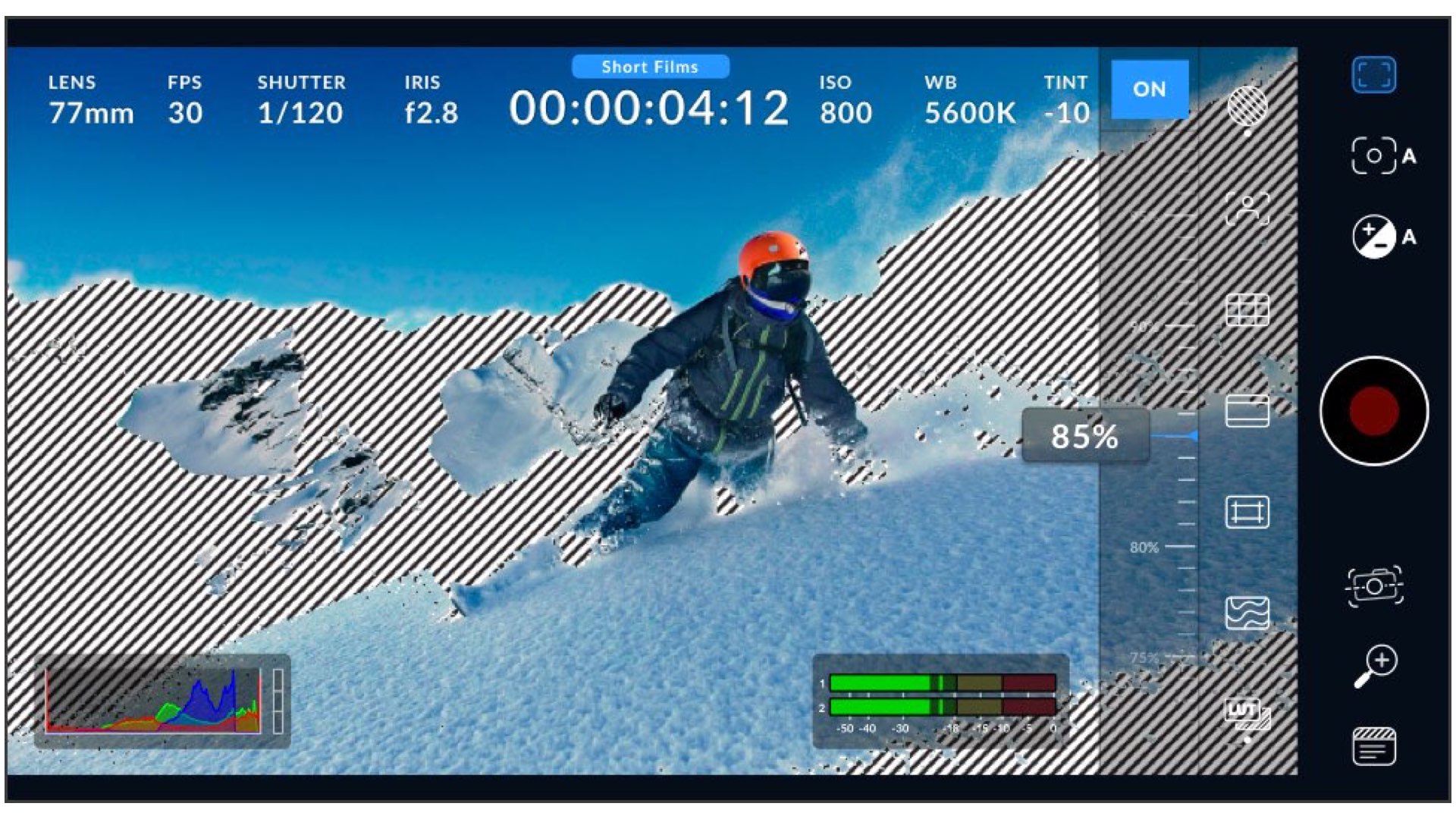
- Support to maintain zebra, peaking, and false color during recording.
- Support for flipping the image for SLR lenses.
- Support for flicker free shutter presets for 50 and 60 Hz settings.
- Support for recording clip with LUT and tagging color space.
- Ability to export and import camera settings presets.
- Improved grid controls with horizon detection.
- Selectable time lapse duration in settings.
- Ability to drag clips between projects in the media panel.
- Support for iOS shortcut automation workflows.
- Multiple fixes for recording HUD.
- Apple Log to Rec.709 LUT is now included.
- Ability to turn off uploads when on data.
- General performance and stability improvements
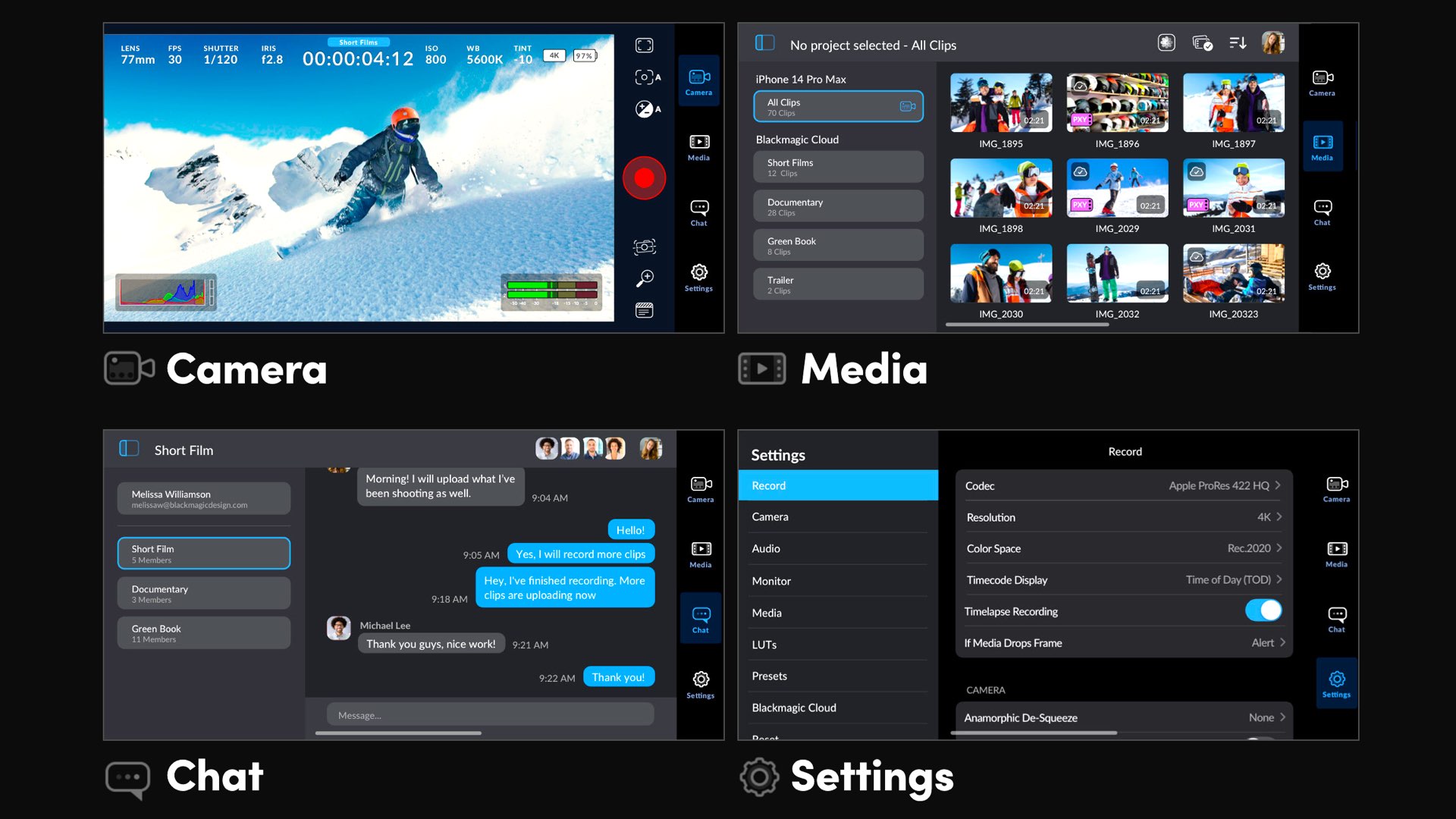
The Blackmagic Camera is compatible with iOS 16.0 or later and a device with the A12 Bionic chip or later. Download it for free!
Gear mentioned in this article
Available on Amazon
| Product | New | Renewed | Used |
|---|---|---|---|
| iPhone 17 Pro | $1,119 | — | — |
Prices checked: Nov 2, 2026, 9:31 AM GMT+0000
As an Amazon Associate, Y.M.Cinema earns from qualifying purchases. If you buy through our links, we may earn a small commission at no extra cost to you.
Product prices and availability are accurate as of the date/time indicated and are subject to change. Any price and availability information displayed on Amazon.com at the time of purchase will apply to the purchase of this product.
CERTAIN CONTENT THAT APPEARS ON THIS SITE COMES FROM AMAZON. THIS CONTENT IS PROVIDED “AS IS” AND IS SUBJECT TO CHANGE OR REMOVAL AT ANY TIME.



Does Panasonic, Sony, Red or Grass Valley need to buy BM?
Thank you for the notification on the Blackmagic app update. Awaiting for Blackmagic to support the EL Larchaman Zone System.
I wish the comments here could be re-edited for corrections. This is a big missing feature.