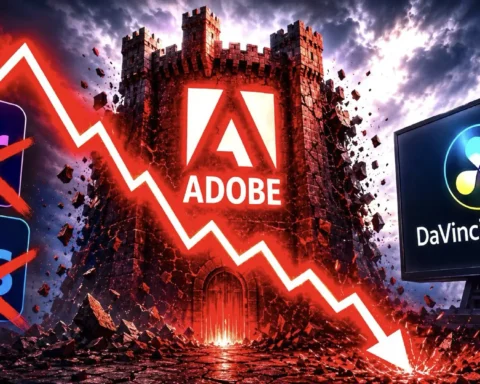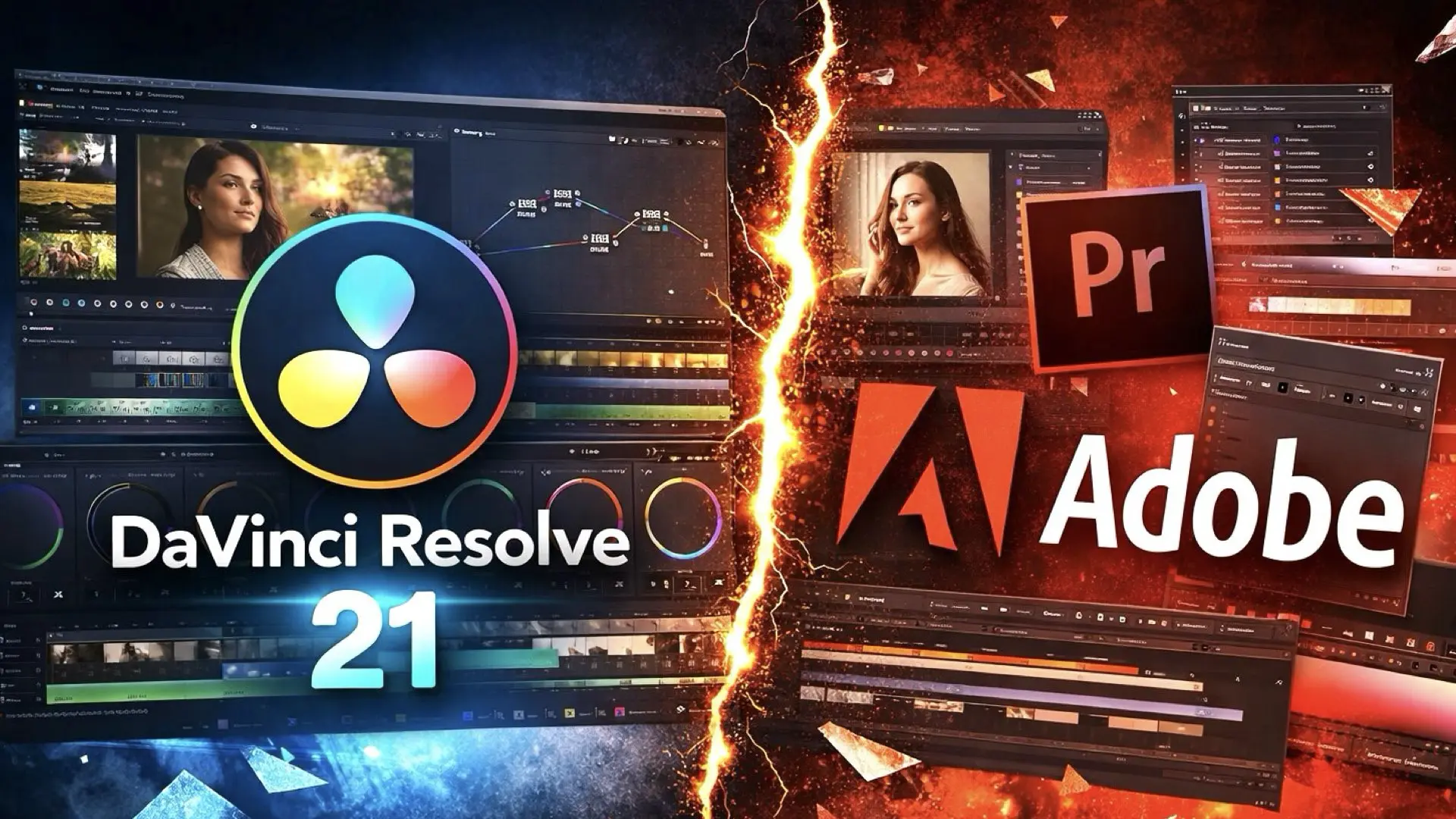
Blackmagic just pushed DaVinci Resolve into Adobe’s strongest territory. With version 21, Resolve expands beyond video and introduces a fully integrated photography workflow, something Adobe built as separate applications. The new Photo page is the pressure point. It brings still images into the same node-based pipeline used for cinema color, removing the need to move between Lightroom, Photoshop, and video tools.
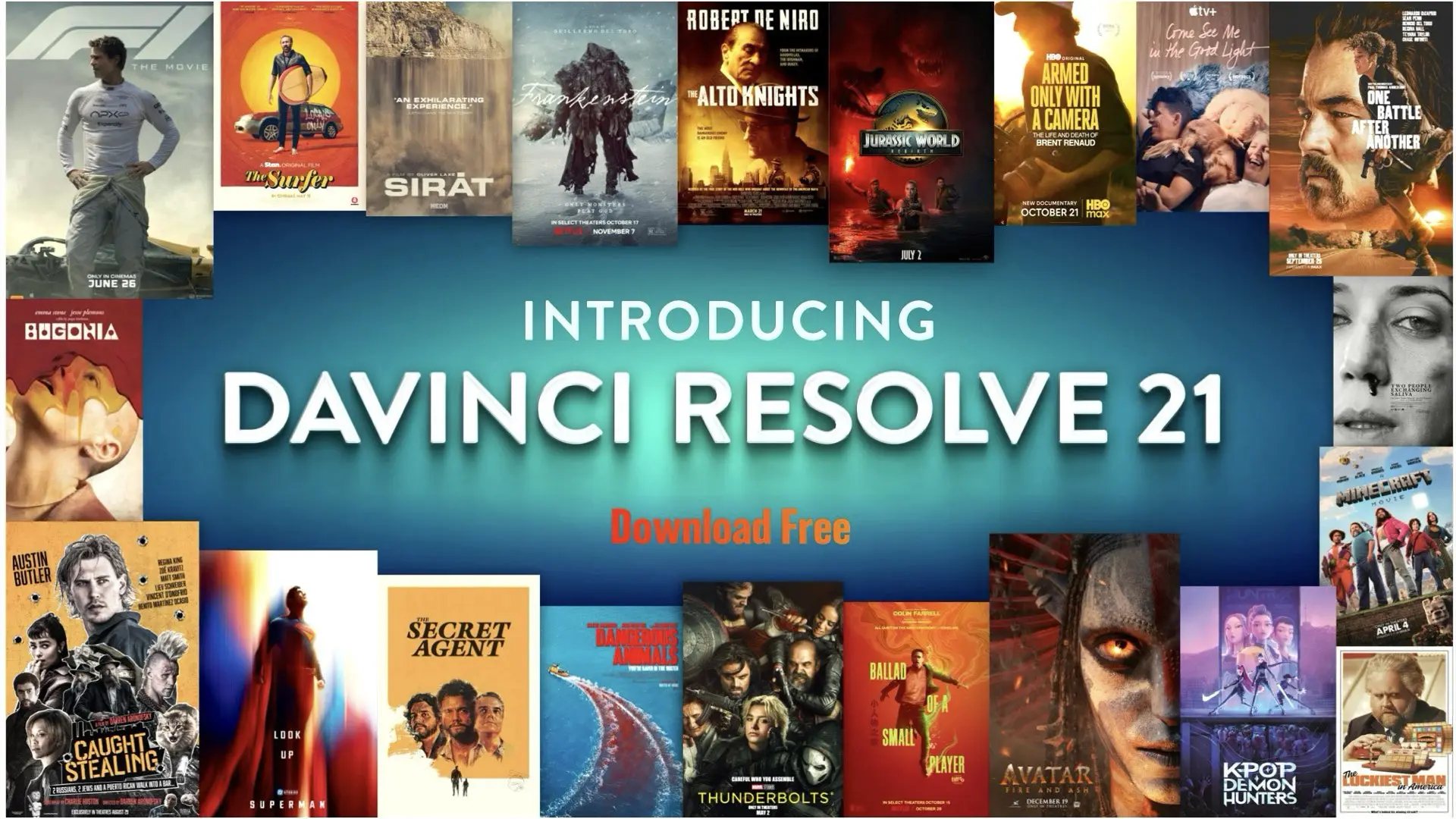
A new battlefield opens: Photography
For years, Adobe controlled the photography pipeline through Lightroom and Photoshop. That dominance was built on a separation of roles. Organize in Lightroom. Manipulate in Photoshop. Move between them when needed. Resolve 21 challenges that structure. The new Photo page brings RAW photo ingestion, catalog-style organization, and advanced grading tools into the same project where video already lives. But the real shift is deeper. Still images are now treated like moving images. They can be graded with nodes, shaped with qualifiers, and refined with power windows using the same logic colorists use in high-end film work. This is not a feature addition but a philosophical change. Photography is no longer isolated from cinema workflows.
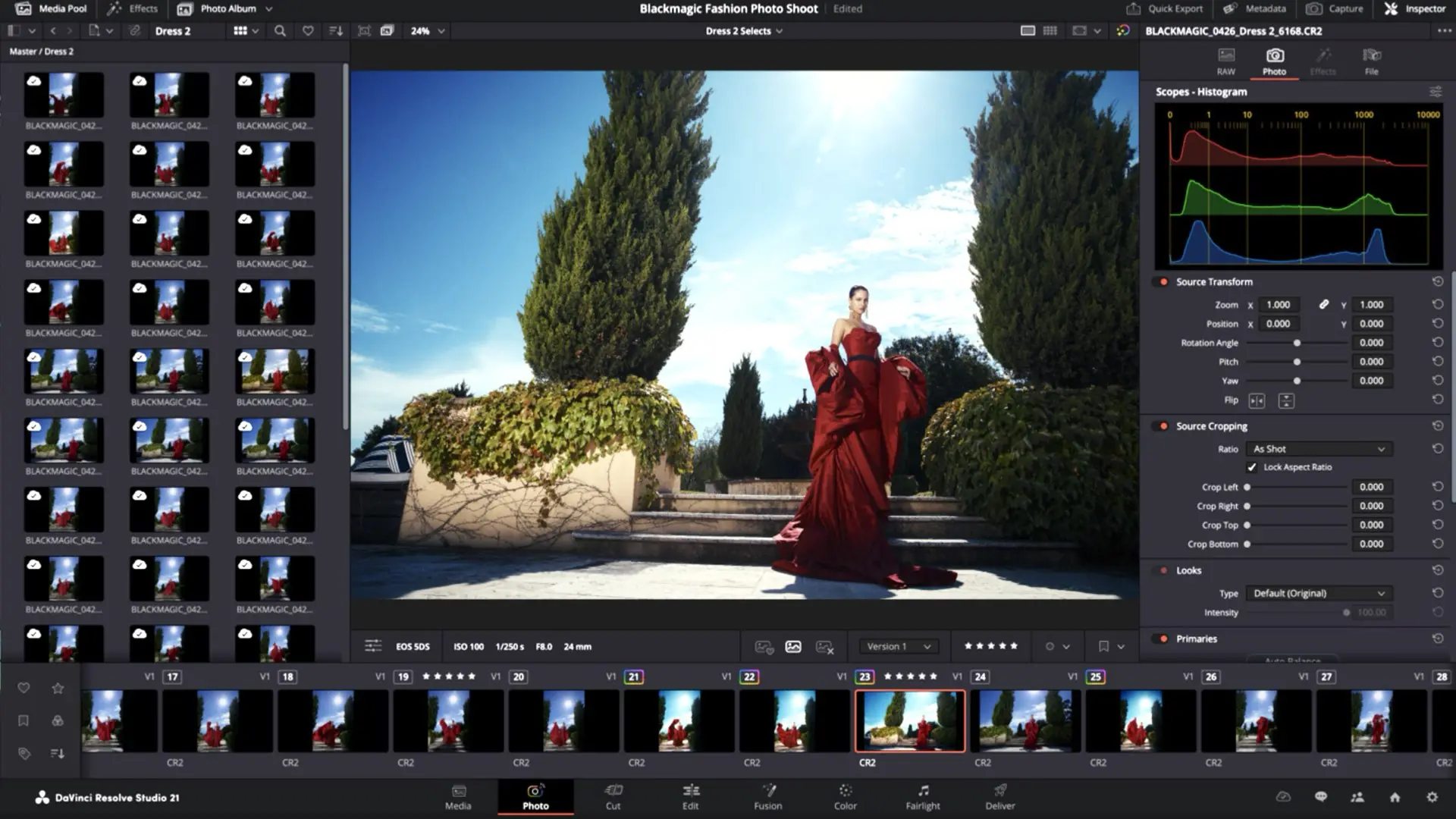
One pipeline and for FREE
Adobe’s strength has always been its ecosystem. Separate applications, each best in class, connected through cloud services and interoperability. That model still works, and at scale it remains extremely powerful. Blackmagic is building something else entirely. Resolve is becoming a vertically integrated pipeline where everything happens inside one system. Edit, grade, composite, mix, and now process stills without translation layers, without round-tripping, and without switching environments. That difference matters in real workflows. Every time the media moves between applications, there is friction. Color inconsistencies. Render dependencies. Version control issues. Resolve reduces that by design.
The Photo Page: A ‘Strategic feature’
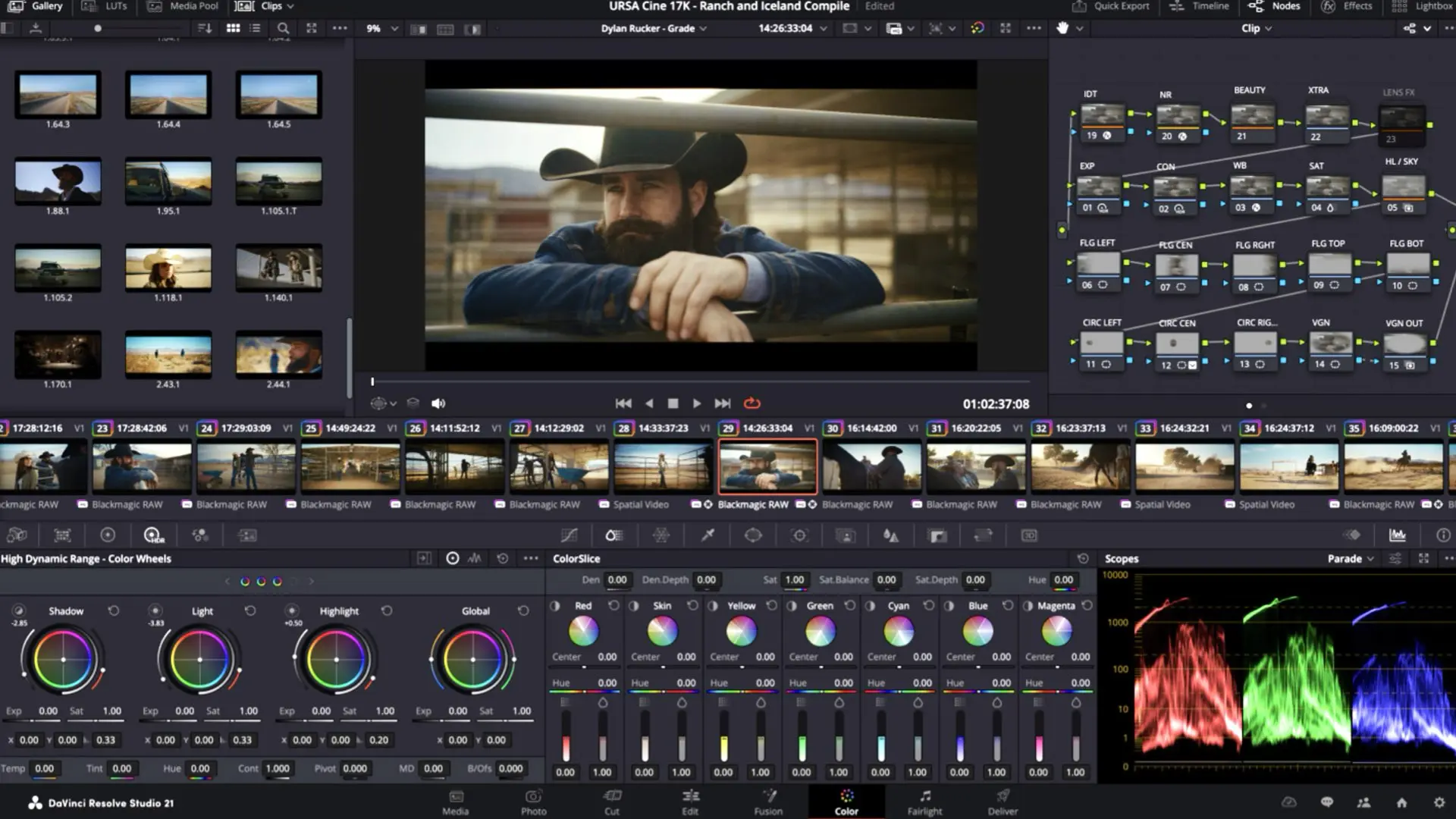
It would be easy to describe the Photo page as “Lightroom inside Resolve.” That would miss the point. Lightroom is built around sliders and global adjustments. DaVinci Resolve is built around nodes and signal flow. That difference changes how images are approached. Instead of stacking adjustments linearly, you construct a grading pipeline. Each node can isolate, transform, and refine specific aspects of the image in a controlled way. For cinematographers and colorists, this is familiar territory. For photographers, it introduces a new level of precision. More importantly, it unifies visual language across formats. A still image and a cinema frame can now be treated with the same tools, the same LUTs, and the same intent.
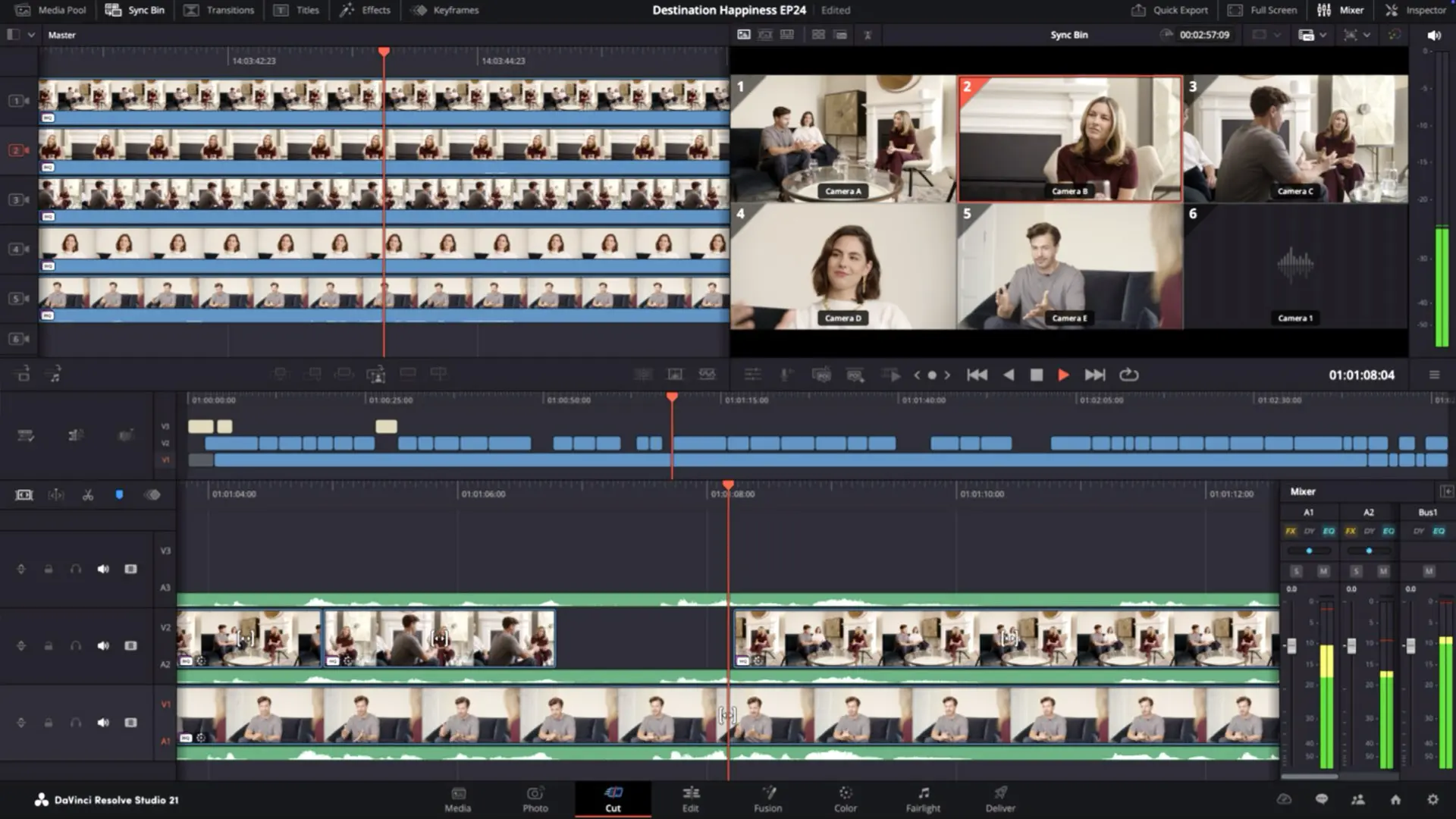
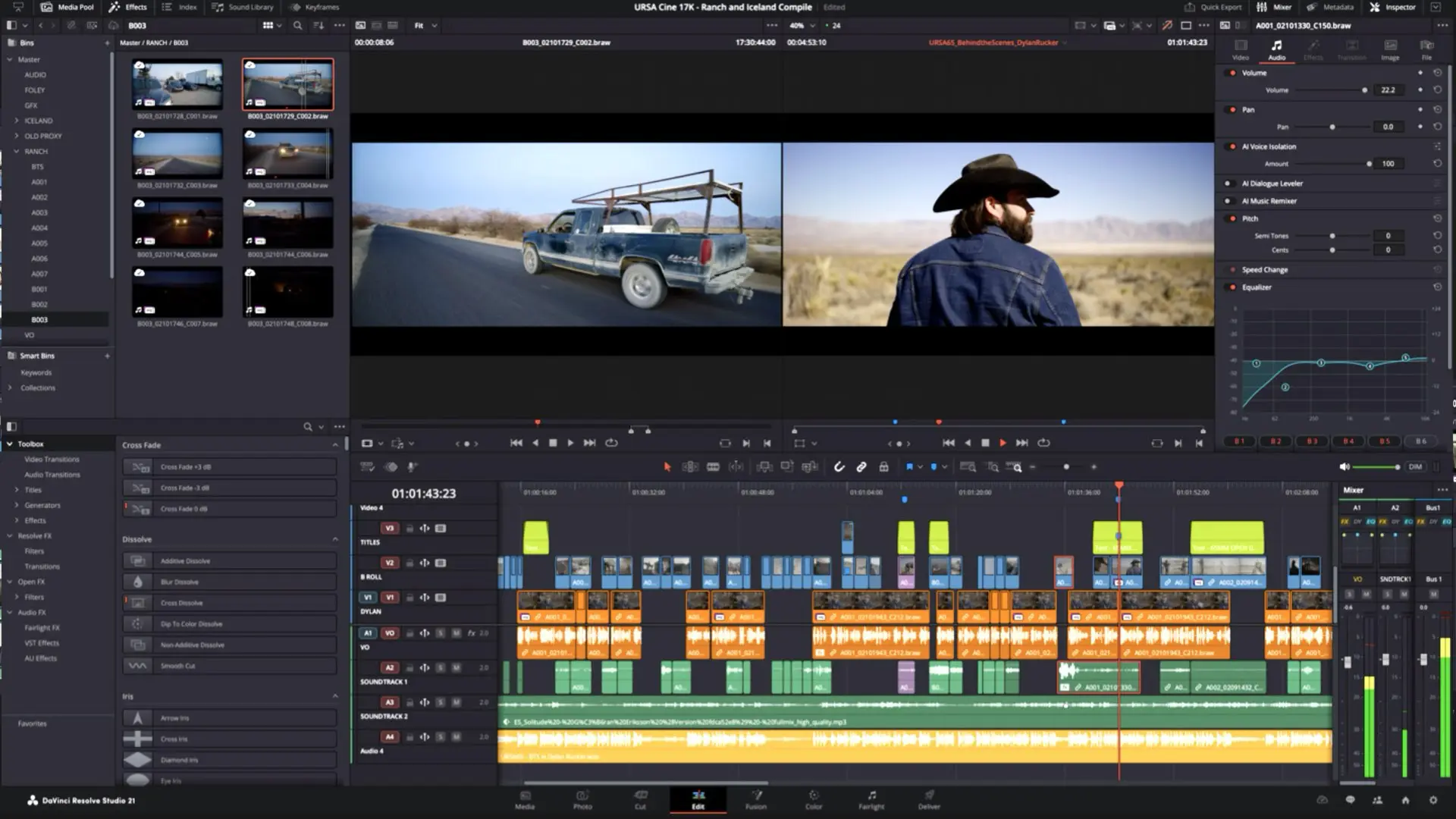
AI enters, but stays in service of the workflow
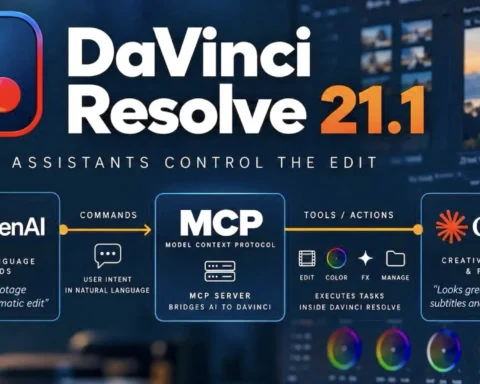
Resolve 21 adds a range of AI-driven tools. IntelliSearch accelerates content discovery across large timelines. CineFocus enables post-capture focal adjustments. Facial refinement tools expand what can be done inside the grading environment. The key difference from Adobe’s approach is positioning. These tools are not presented as replacements for creative decisions. They are accelerators inside a deterministic pipeline. The editor or colorist remains in control. The system assists rather than leads. This aligns with high-end workflows, where predictability and repeatability are critical.
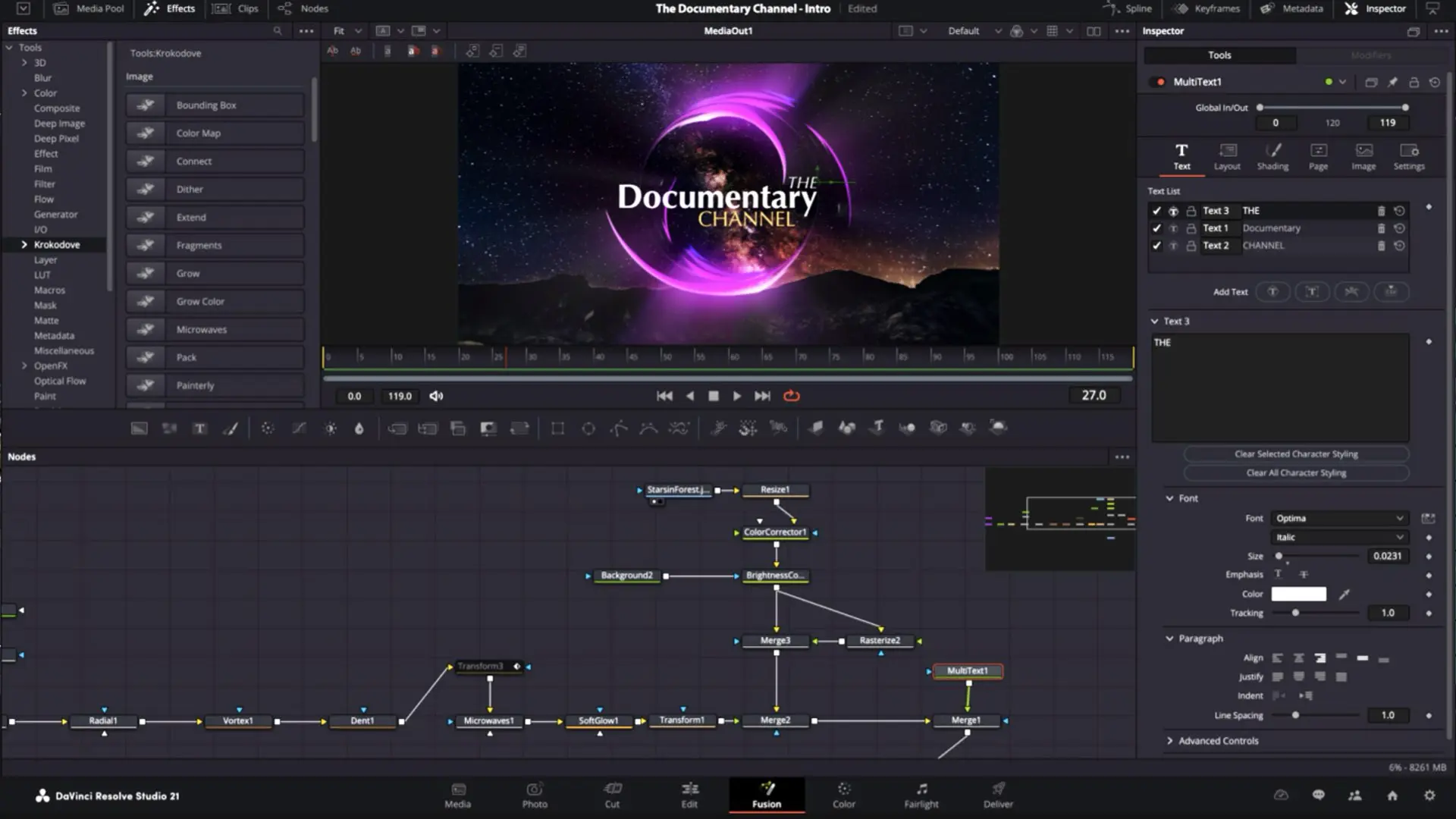
Fusion and Fairlight grow stronger
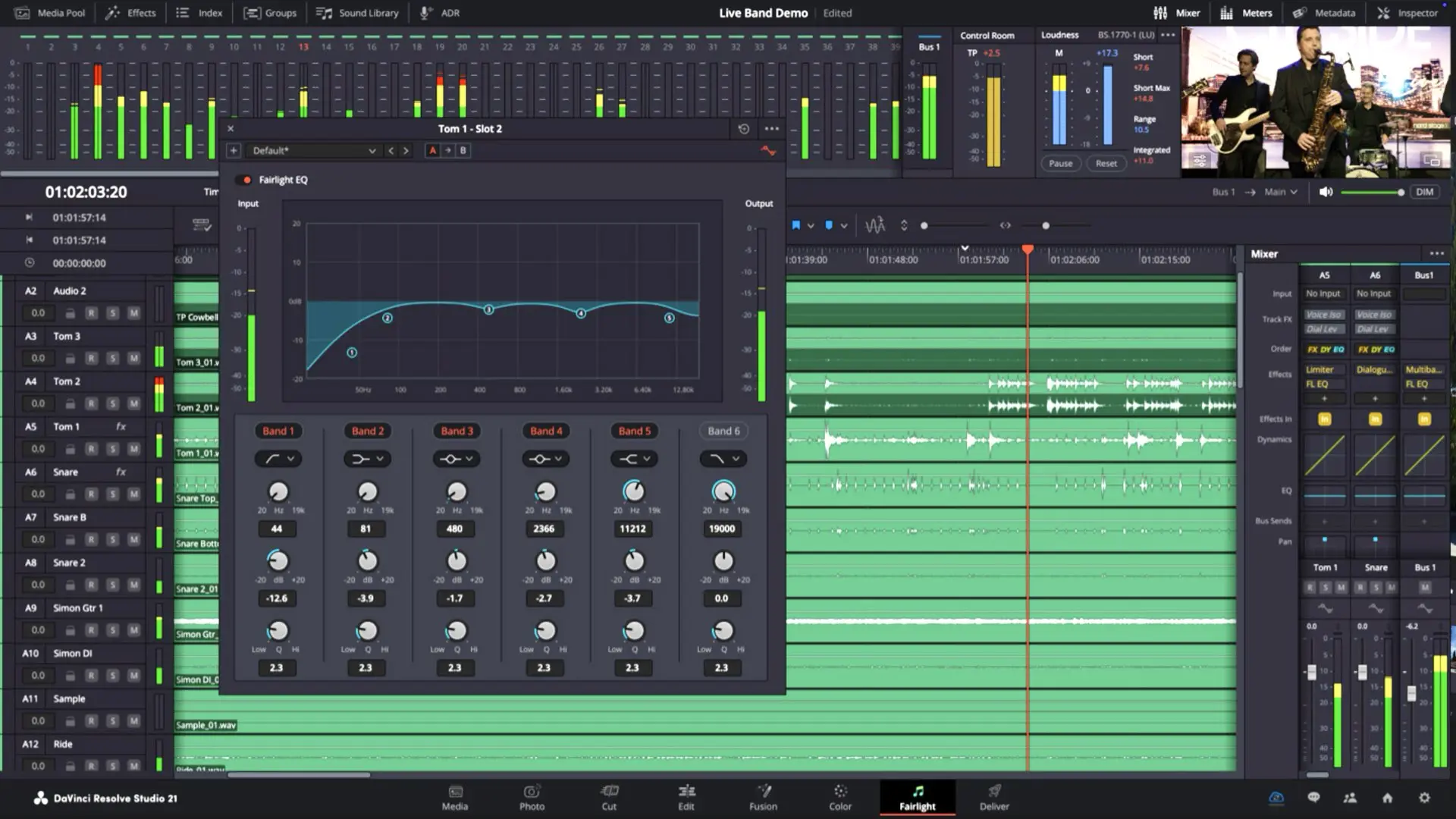
Beyond the headline features, Resolve continues to deepen its internal modules. Fusion gains a large set of new motion graphics tools, including the Krokodove toolkit. Fairlight introduces folder-based track organization, finally making large audio sessions easier to manage. These updates reinforce the same idea. Every part of the pipeline is becoming more capable inside one application. The need to leave Resolve continues to shrink.
Pricing pressure becomes impossible to ignore
There is also a business dimension. Adobe’s Creative Cloud is built on a (very expensive) subscription. Resolve offers a free version and a one-time Studio license. For individual creators and small teams, this difference compounds over time. As Resolve expands into photography and motion graphics, the cost comparison becomes harder to ignore. The question shifts from “Which tool is better for this task?” to “How many tools do I actually need?”
The pressure is real
The timing is important. Cameras are evolving into hybrid systems. Smartphones are pushing computational photography into territory that overlaps with cinema techniques. Creators are expected to deliver across formats, not specialize in one. In that environment, a unified pipeline becomes more valuable than a collection of disconnected tools. Resolve 21 aligns with that shift. It treats imaging as a continuum rather than separate disciplines. This does not mean Adobe is losing relevance. Its ecosystem remains vast, mature, and deeply embedded across industries. Photoshop and After Effects still define their categories. But for the first time in years, the core assumption behind Adobe’s model is being challenged. Blackmagic is not trying to outbuild each individual Adobe tool. It is redefining how those tools are expected to work together.
Final note
DaVinci Resolve 21 targets Adobe’s core workflow, bringing photo, video, color, and audio into one unified pipeline. With the introduction of the Photo page, Resolve moves directly into territory long dominated by Adobe, eliminating the need to switch between multiple apps. This shift exposes the limitations of Creative Cloud’s fragmented approach and puts real pressure on how creators build modern workflows. And much of that power is available without locking creators into yet another expensive subscription.