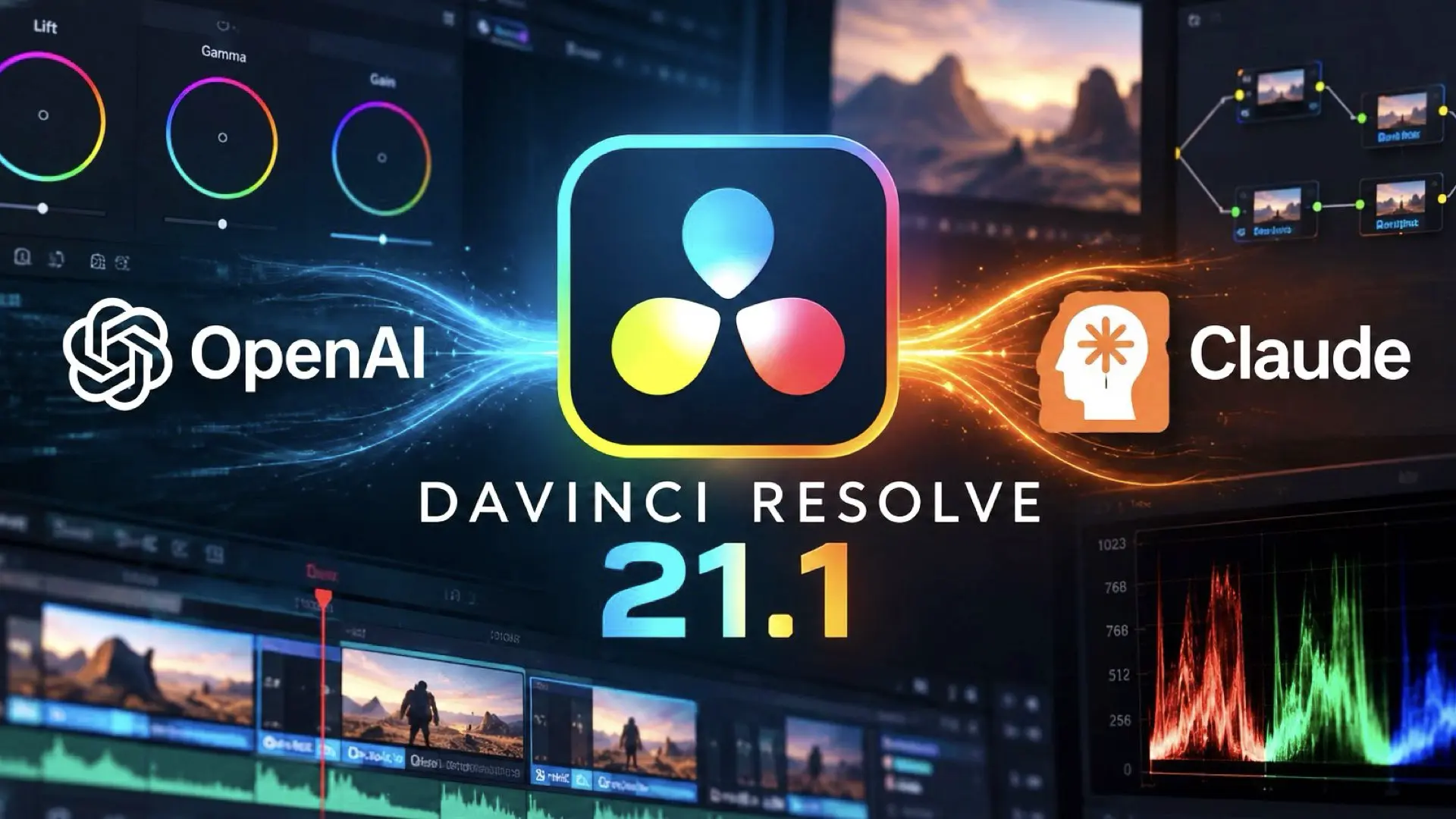
Blackmagic Design has released DaVinci Resolve 21.1, and the most significant addition is not another isolated AI tool. The update introduces integration with external AI assistants including ChatGPT Codex, Claude, and Claude Code, allowing users to control parts of Resolve through conversational instructions. This changes the role of AI inside professional post-production software. Instead of AI being limited to a specific function such as masking, transcription, reframing, or object removal, Resolve can now accept broader task-oriented instructions through supported AI assistants.
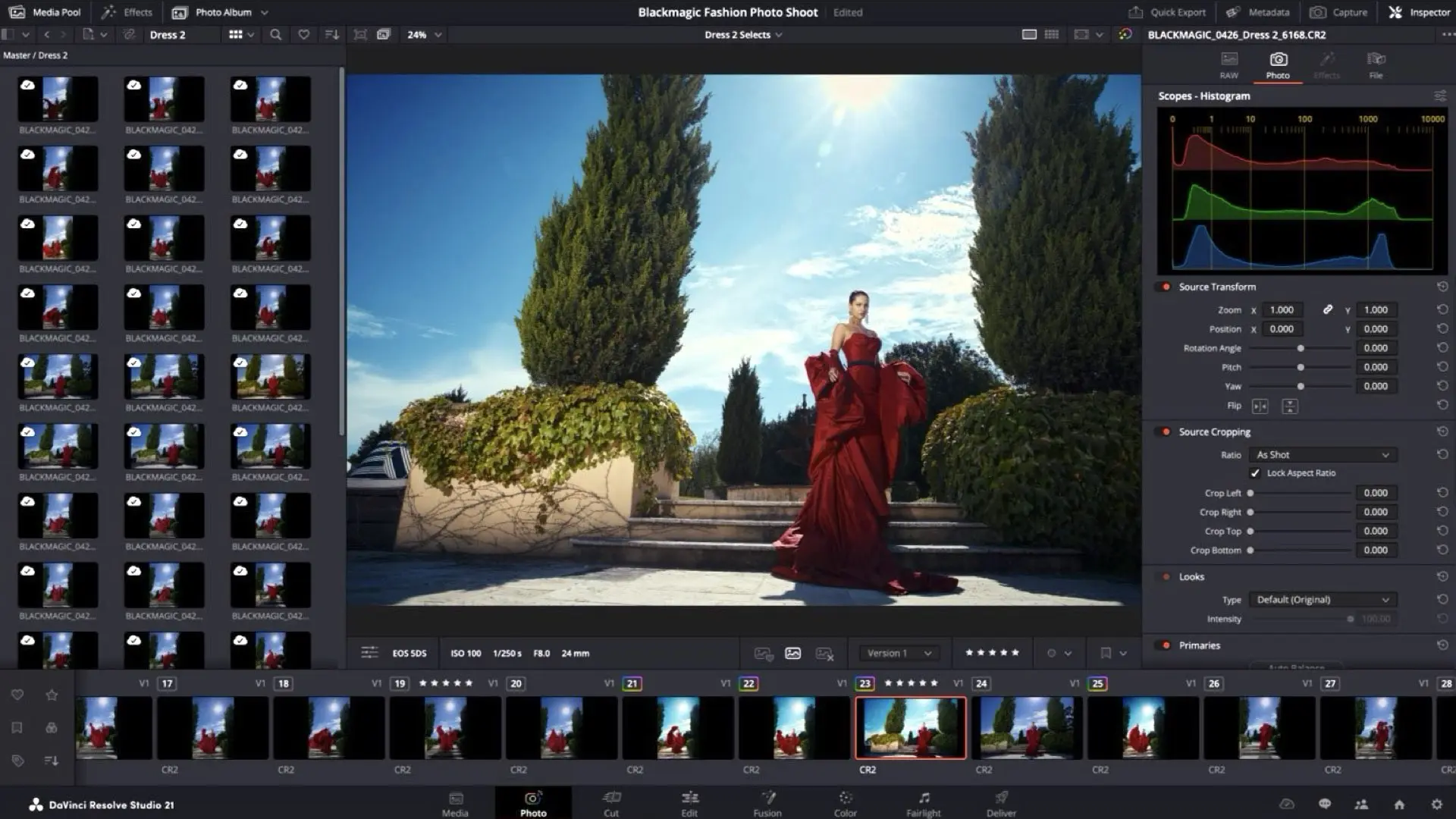
With AI assistant support, our customers can now ask Claude or ChatGPT to handle repetitive tasks such as create highlight edits, organizing media or batch rendering, which frees them up to focus on creative decisions.
– Grant Petty, Blackmagic Design CEO
What the AI assistants can actually do
According to Blackmagic Design, users can ask an AI assistant to analyze projects, organize media, adjust settings, and batch-render deliverables. The company also specifically mentions creating highlight edits from long-form footage and removing unwanted clips. That means a user could potentially interact with Resolve in a much more procedural way. Instead of manually navigating menus, selecting clips, organizing bins, adjusting project parameters, and configuring multiple render jobs, the editor can describe the intended task in natural language and allow the assistant to execute supported operations. Blackmagic CEO Grant Petty describes the goal as reducing repetitive work so editors can spend more time on creative decisions. The important distinction is that this is not necessarily an AI system making creative decisions independently. Based on Blackmagic’s announcement, the integration is currently positioned mainly around executing, organizing, and automating tasks inside Resolve.
From AI tools to AI-operated workflows
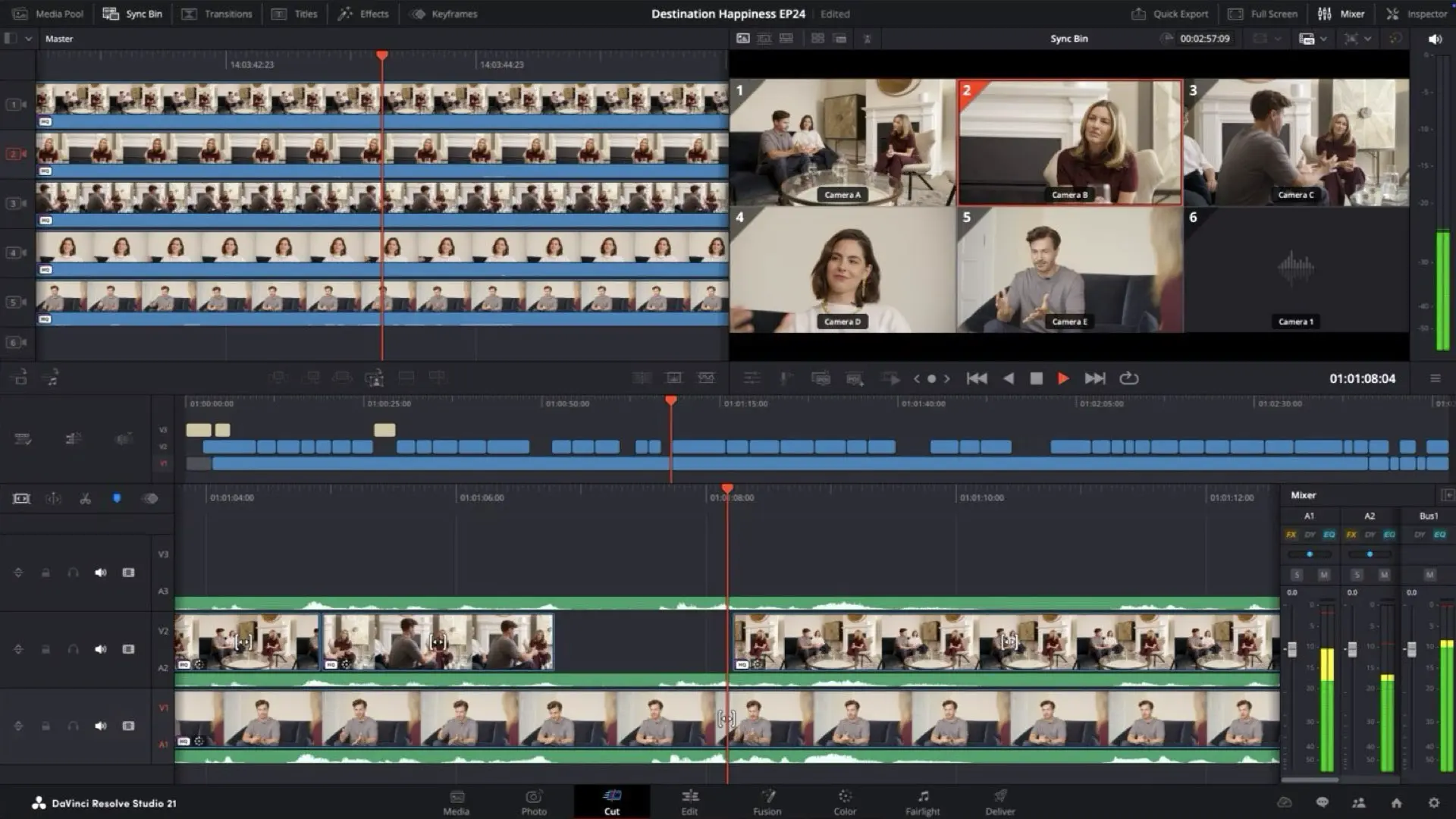
Professional editing software has already incorporated substantial amounts of machine learning. DaVinci Resolve itself includes numerous AI-assisted features designed for specific operations. The 21.1 update moves in a slightly different direction. The AI assistant becomes an interface between the editor and the application. Traditionally, an editor needs to know where a command is located and how the software expects that task to be configured. With an AI assistant, the interaction can potentially move closer to describing the desired result. For example, an editor might ask the system to identify usable sections of a long interview, organize them, create a preliminary highlights sequence, and prepare review renders. Blackmagic specifically confirms support for highlight edits, media organization, clip removal, settings changes, and rendering, although the company does not detail every limitation or operation supported by the integration. That distinction matters. Resolve 21.1 should not be interpreted as an autonomous editor capable of replacing the judgment of an experienced human editor. The more immediate application is workflow automation.
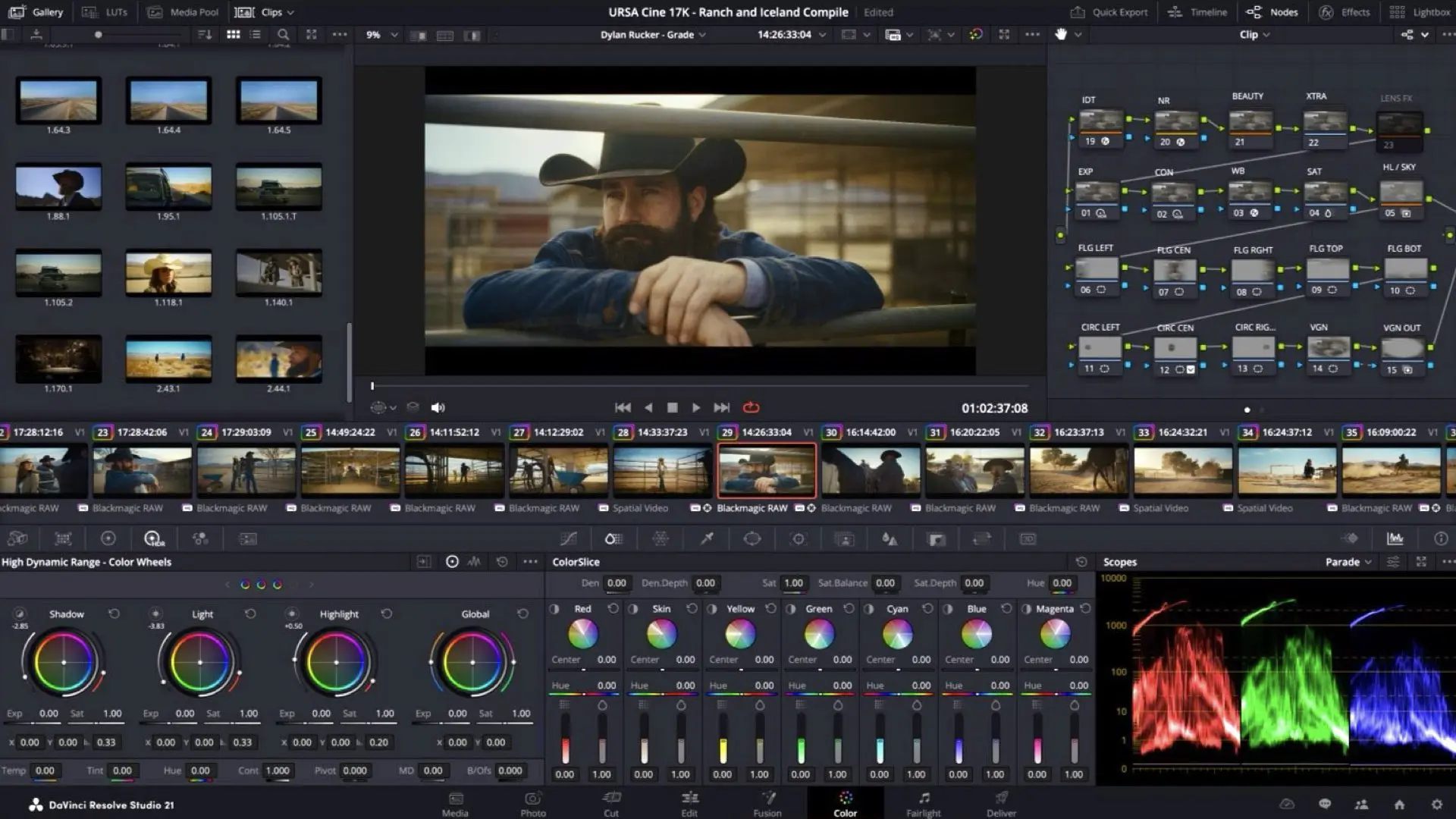
The scripting API is equally important
Another update buried deeper in the announcement reinforces this direction. DaVinci Resolve 21.1 adds 20 new scripting APIs, together with built-in console support, providing more control over workflow automation. This is cool and effective because AI assistants become substantially more useful when the host application exposes more operations programmatically. A conversational interface alone is limited if the software underneath it cannot be controlled reliably. Expanded scripting interfaces give AI systems and automation tools a larger set of structured actions they can potentially execute. In practical terms, this is the infrastructure that can turn a request such as “organize these clips and render several versions” into actual application-level operations rather than merely producing instructions for the user to follow manually.
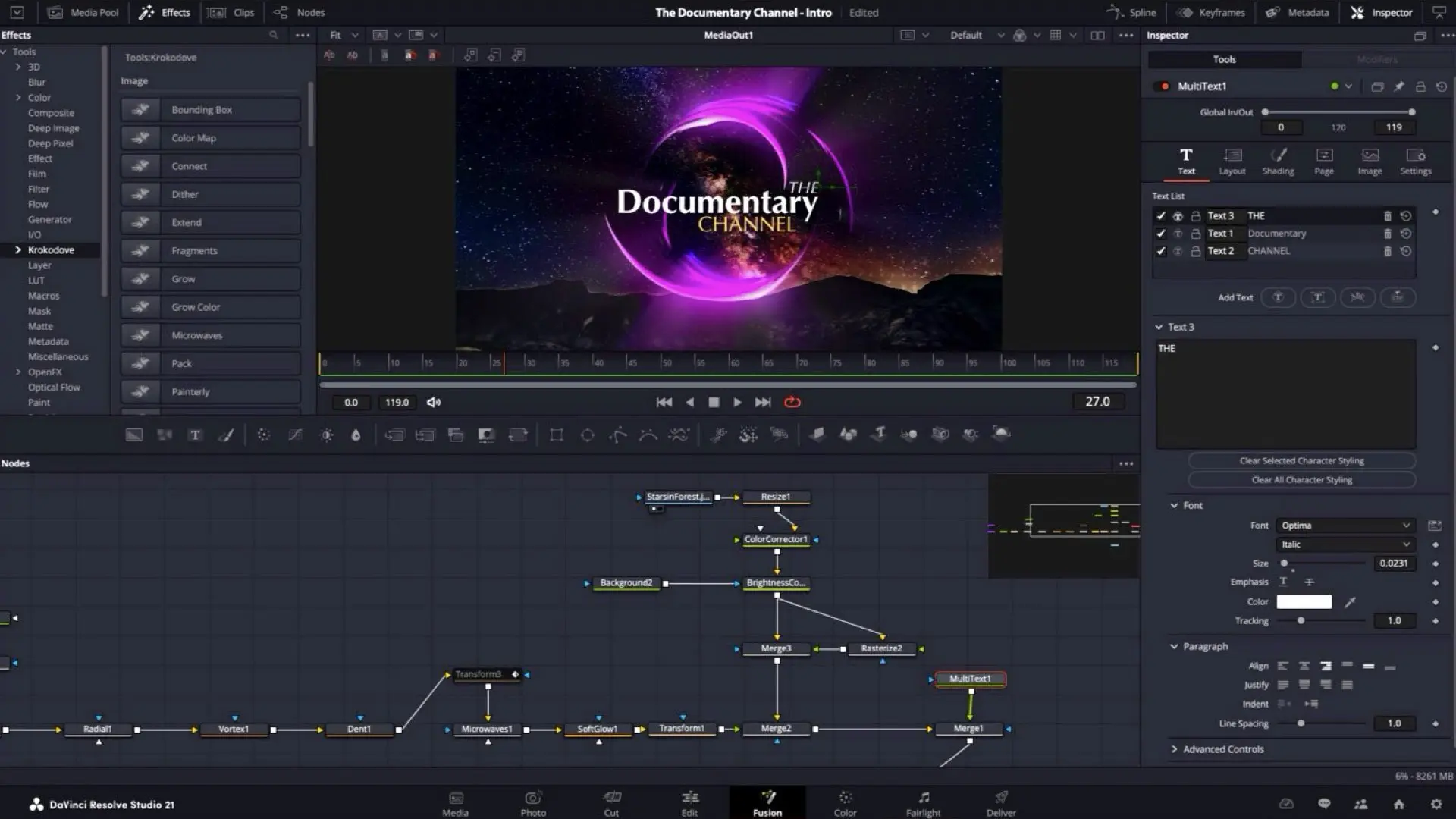
Dedicated to professional editors
The immediate value will likely be highest in repetitive production environments. Newsrooms, corporate video departments, documentary teams, social-content operations, and large post-production facilities frequently deal with recurring technical tasks: ingesting footage, organizing assets, creating variants, preparing review files, generating selects, and rendering multiple deliverables. Those processes can consume considerable time without necessarily requiring creative judgment at every step. An AI assistant that can reliably perform those operations could reduce the amount of direct interface interaction required from editors and assistant editors. This does not eliminate the need for professional post-production skills. In many cases, it makes those skills more important because the operator still needs to understand what should be done, verify the result, and determine whether an automated decision is appropriate.
Resolve is becoming more programmable
DaVinci Resolve has gradually evolved from a specialized color-grading platform into a complete post-production environment covering editing, color, visual effects, audio, media management, and delivery. Resolve 21.1 adds another layer: conversational control. The notable development is therefore not simply that Blackmagic has added ChatGPT and Claude support. It is that Resolve is becoming an environment where editors can increasingly describe workflows instead of executing every individual operation manually. That could become one of the more consequential applications of AI in post-production: not replacing the editor, but reducing the amount of mechanical work required to operate the editing system.






![Nikon Is Developing Nine NIKKOR Z CINEMA T1.9 VV Lenses for RED V RAPTOR [X]](https://ymcinema.com/wp-content/uploads/2026/09/Nikon-Is-Developing-Nine-NIKKOR-Z-CINEMA-T1.9-VV-Lenses-for-RED-V-RAPTOR-X.001-480x384.webp)