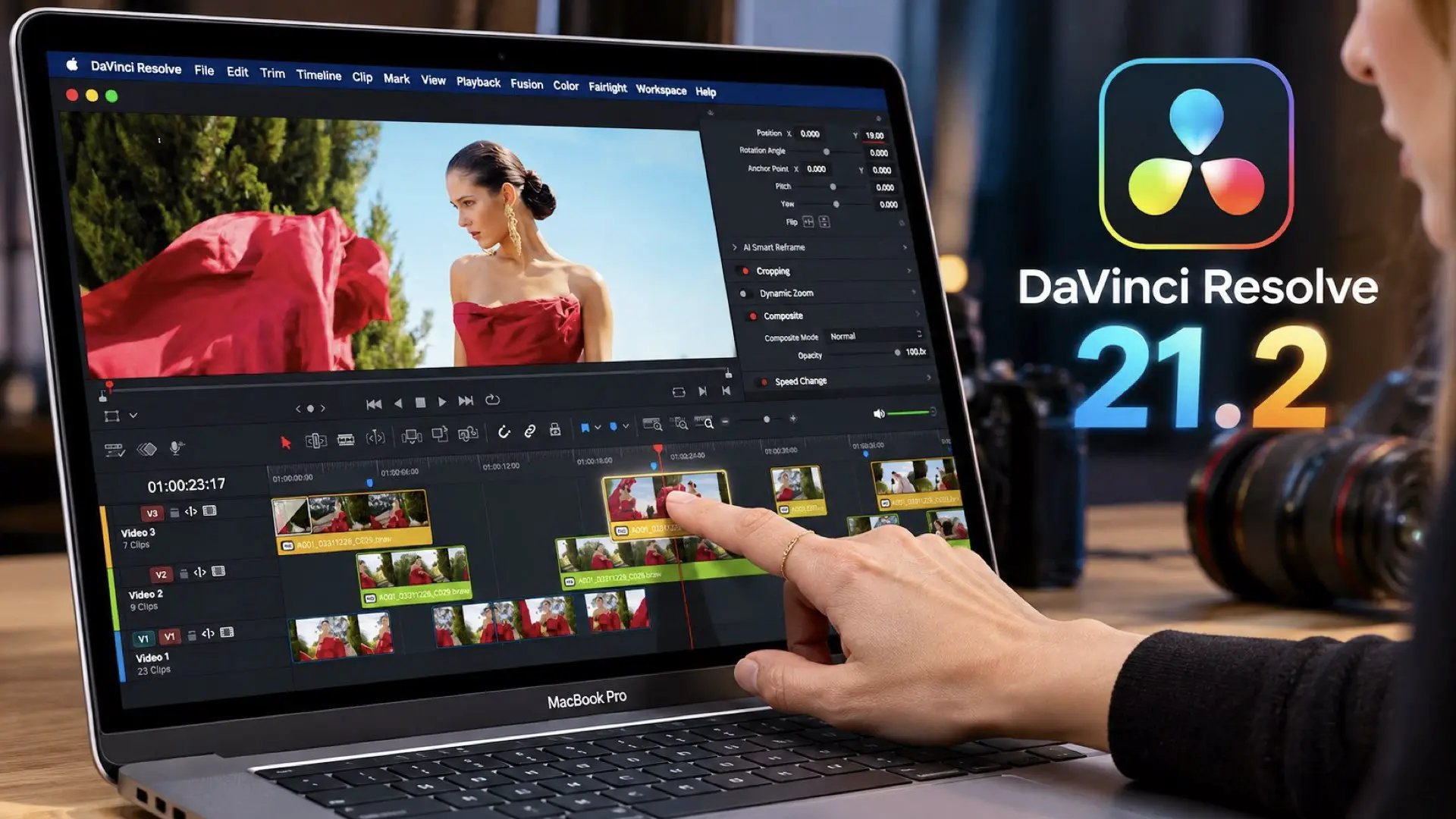
Blackmagic Design has released DaVinci Resolve 21.2, introducing touchscreen support for Apple’s new MacBook Pro ($2,352 on Amazon) laptops equipped with PROLED XDR displays. The update enables editors and colorists to interact directly with the timeline, manipulate color wheels, and control various editing tools using their fingertips. Blackmagic also claims up to 5X faster effects rendering on Apple’s M5 Pro and M5 Max chips, alongside improvements to color science, audio workflows, and AI-powered tools.
DaVinci Resolve embraces touchscreen editing
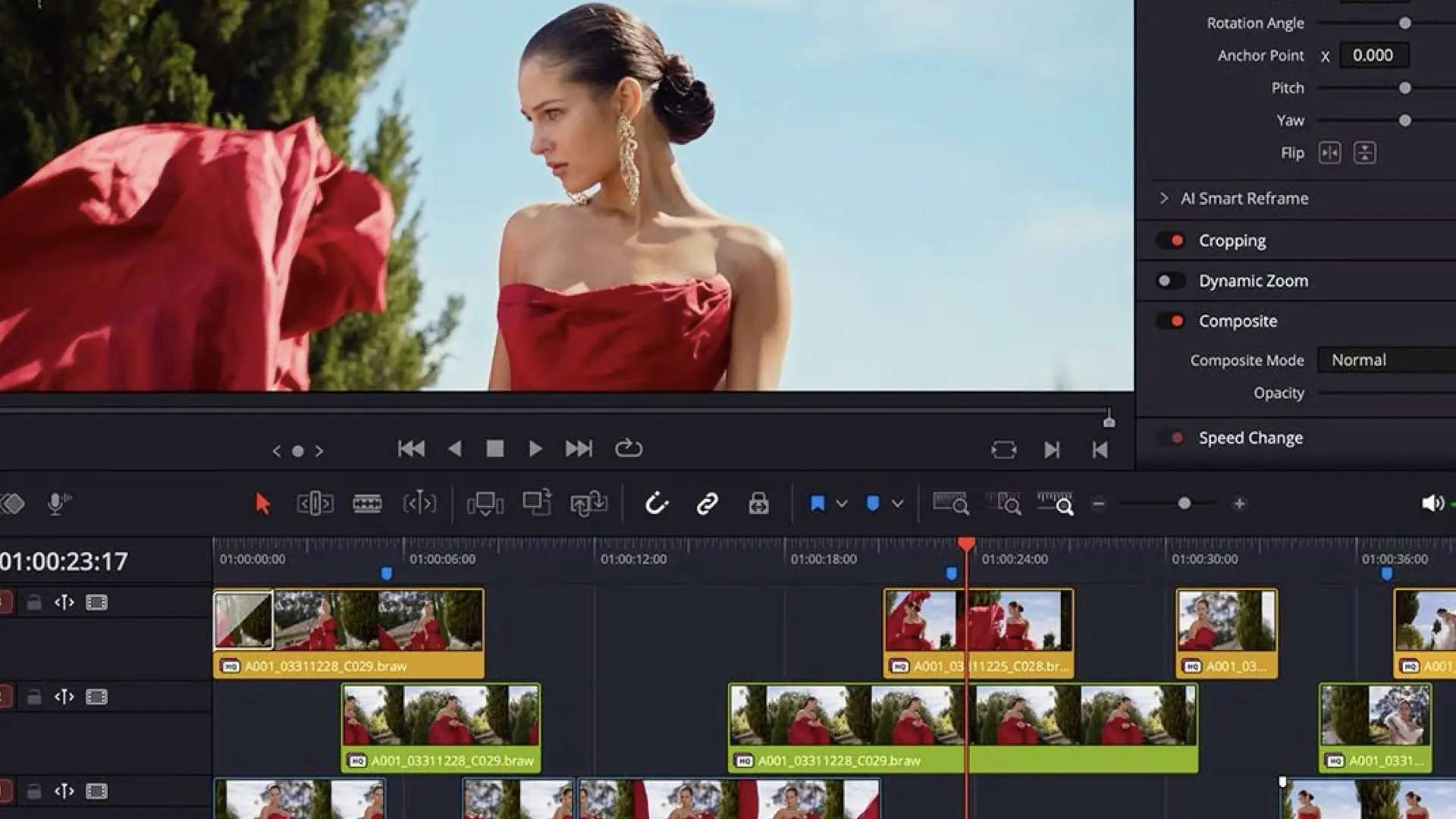
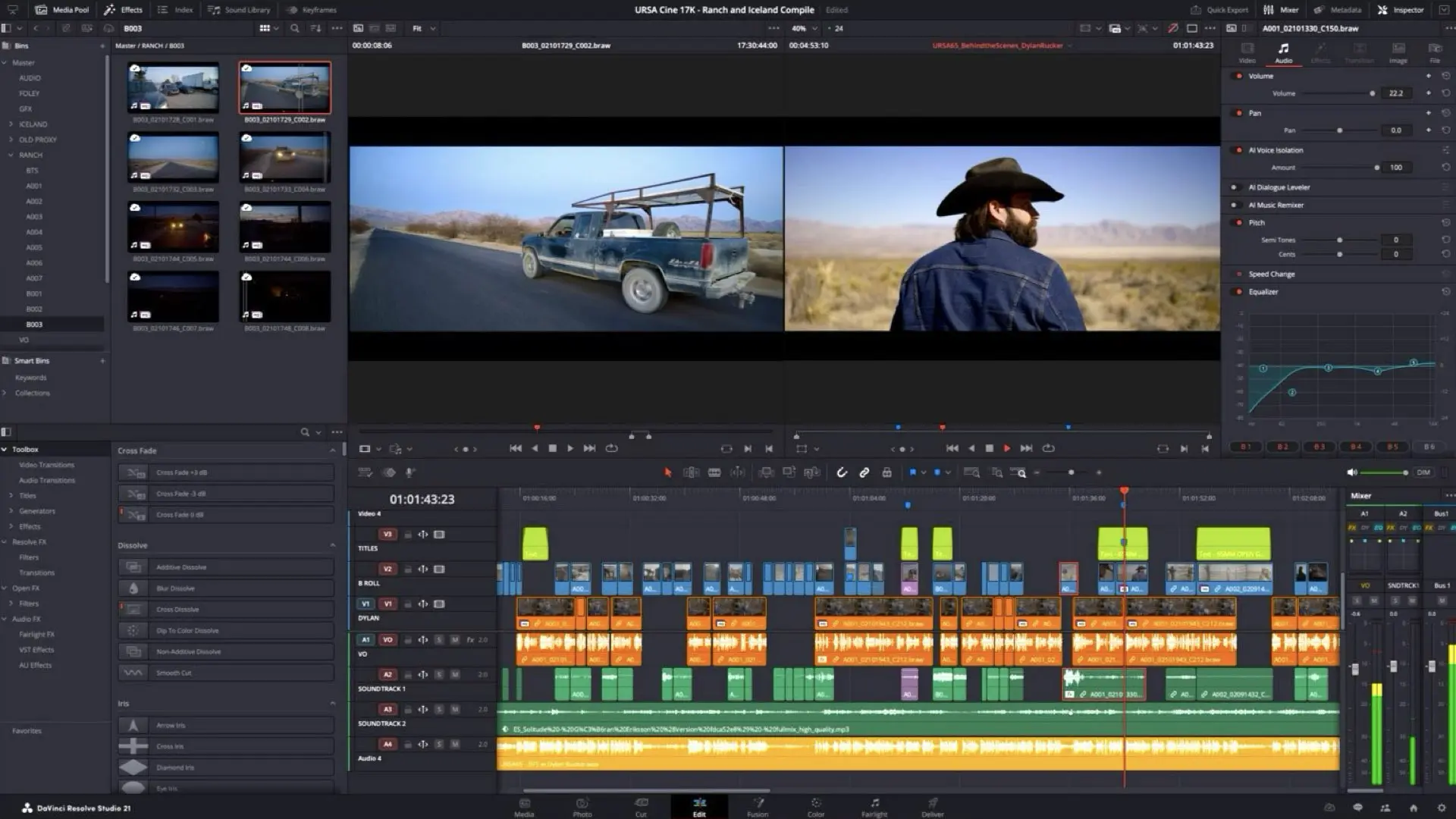
One of the most notable additions in DaVinci Resolve 21.2 is native touchscreen support for Apple’s latest MacBook Pro computers. Instead of relying exclusively on traditional input devices, editors can now interact directly with several of Resolve’s professional tools. According to Blackmagic Design, touchscreen functionality extends across multiple pages of the software. Users can scroll through timelines using their fingertips, drag and drop effects and titles directly onto clips, and move media into the media pool. Multi-touch gestures also allow users to pan and pinch to zoom within viewers on the Photo, Edit, Color, Media, and Deliver pages. Virtual sliders now support multi-touch interaction throughout the application, while the audio mixer can be operated directly on the Cut, Edit, and Fairlight pages. The implementation is particularly interesting because Resolve is a complex professional application. Integrating touch controls into an interface originally designed around a mouse, keyboard, and dedicated control panels presents a different challenge from implementing touch functionality in a simplified editing application.
Color grading with your fingertips
Perhaps the most interesting application of the new touchscreen functionality is found on the Color page. Colorists can now manipulate color wheels and master wheels directly using their fingers. Blackmagic has also introduced touch interaction for color charts, the Color Warper, annotations, and Power Window overlays. These controls could introduce a more tactile approach to grading, particularly for mobile workflows where dedicated grading panels are unavailable. For example, manipulating Power Windows or making adjustments within the Color Warper may feel more immediate when interacting directly with the image rather than translating those movements through a mouse. However, touchscreen functionality is not necessarily a replacement for dedicated grading control surfaces. Professional panels provide tactile feedback, precise adjustments, and simultaneous access to multiple parameters without requiring users to look away from the image. The more interesting question is whether touch interaction will become a complementary workflow for professional colorists, particularly when working on location or away from a traditional grading suite.
Up to 5X faster effects rendering on Apple Silicon
Beyond touchscreen support, DaVinci Resolve 21.2 introduces performance optimizations for Apple’s M5 Pro and M5 Max processors. Blackmagic Design claims that effects rendering can now be up to five times faster on these chips. That is a substantial headline figure, although the company has not provided detailed benchmark conditions in its social media announcement. It is important to distinguish between faster effects rendering and overall application performance. The claimed improvement does not necessarily translate into five times faster timeline playback, color grading, or final exports across every workflow. The actual performance benefit will depend on the effects being processed, the complexity of the timeline, GPU utilization, and the specific hardware configuration. Nevertheless, the optimization illustrates Blackmagic’s continuing investment in Apple Silicon performance, particularly as DaVinci Resolve expands its GPU-intensive editing, compositing, and AI capabilities.
Generation 6 Color Science support
DaVinci Resolve 21.2 also introduces support for Blackmagic Design Generation 6 Color Science LUTs. Additionally, ResolveFX False Color now supports both Generation 5 and Generation 6 color science. These additions are especially relevant to cinematographers and colorists working with Blackmagic camera footage, where consistent color interpretation and exposure analysis are essential. The expanded color science support strengthens Resolve’s integration with Blackmagic’s camera ecosystem while providing additional functionality for professional image evaluation and finishing.
Improvements to audio, MXF, and network workflows
Blackmagic has also addressed several practical issues affecting professional post-production workflows. Extracted audio files now retain their original source timecode, making it easier to synchronize and reposition audio clips within a timeline. Audio access for MXF files stored on network drives has been improved, addressing workflows where media is accessed through shared storage rather than local disks. The update also optimizes OGraf motion graphics templates, improving loading from network storage and rendering reliability. AAF timecode accuracy for audio associated with interlaced media has also been improved. Other fixes address several codec and media-handling issues, including artifacts in Sony XAVC Long GOP MXF renders, problems with some H.265 clips displaying offline frames, and ACES 2.0 artifacts on Windows and Linux. Although these improvements are less prominent than touchscreen support, they may be particularly valuable in collaborative editing environments and professional facilities handling large volumes of camera-original media.
AI and automation continue to evolve
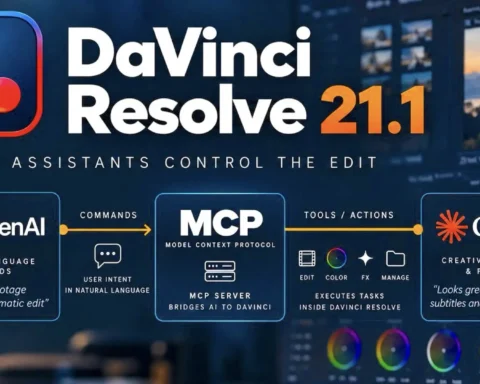
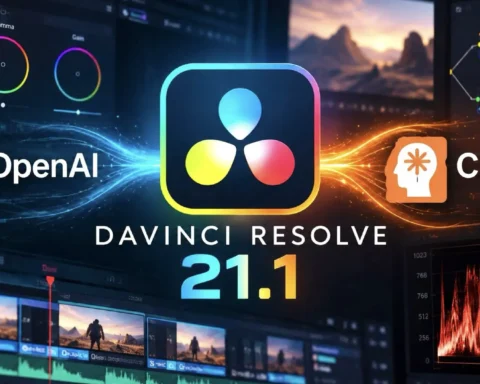
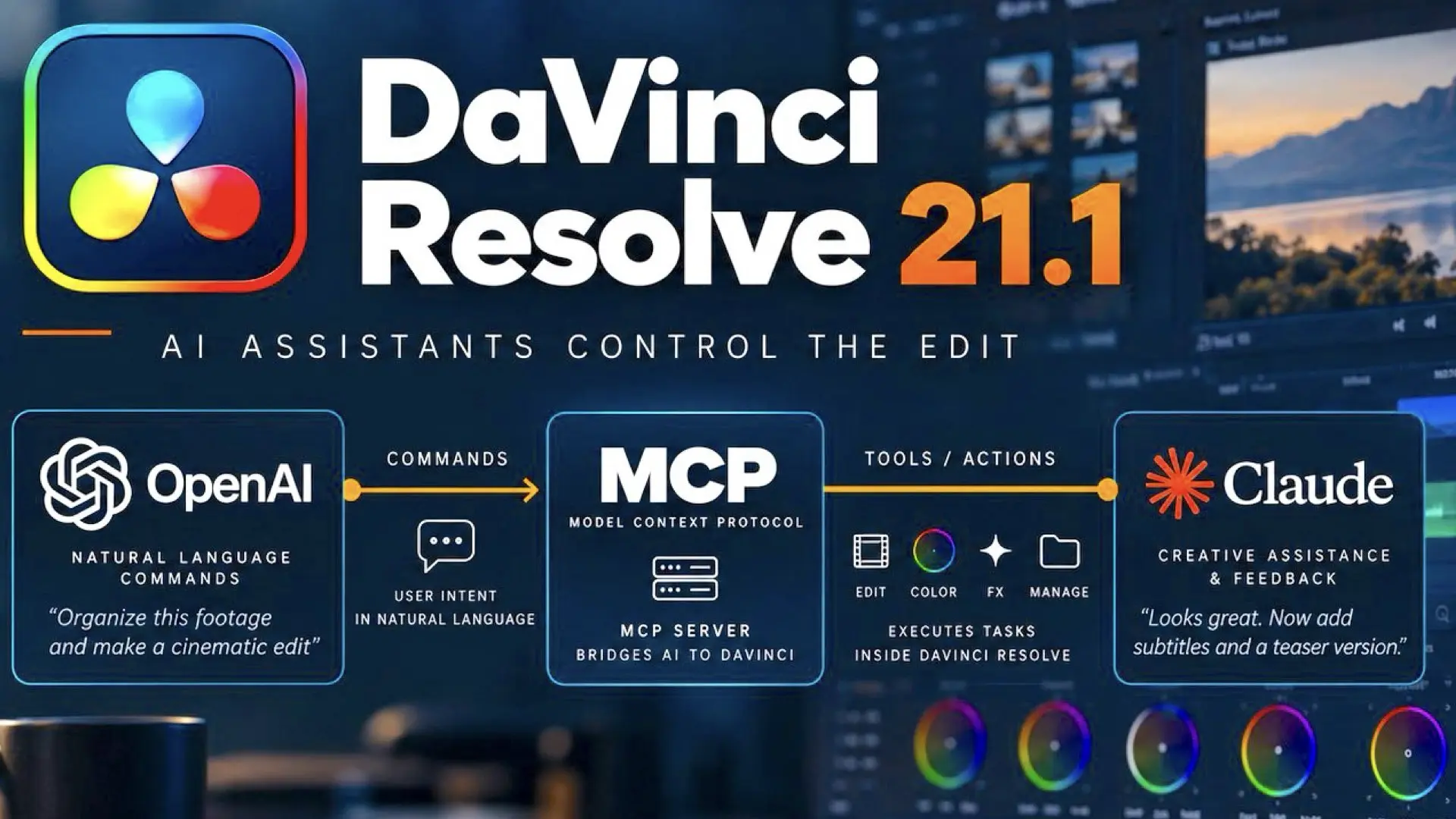
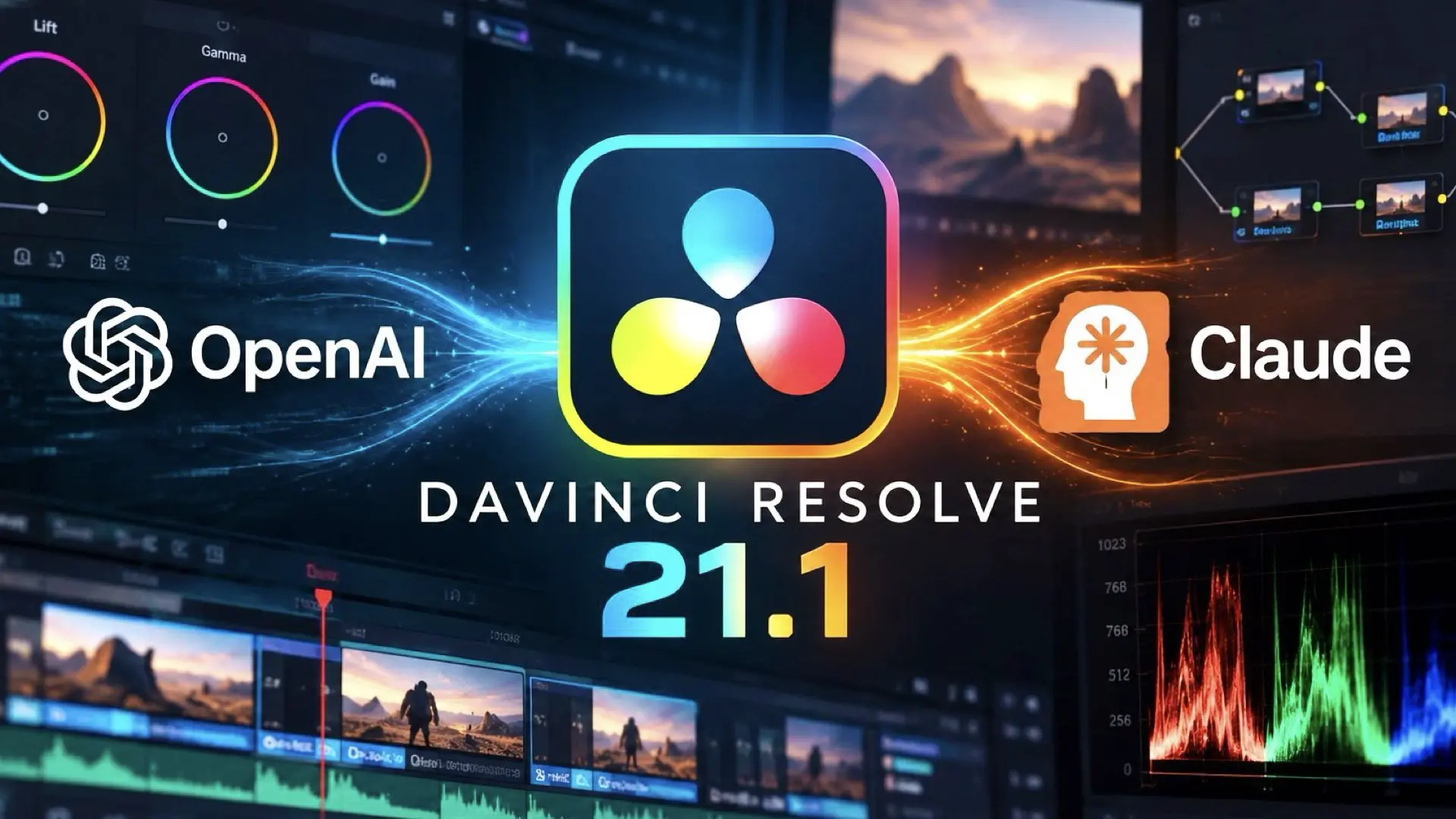
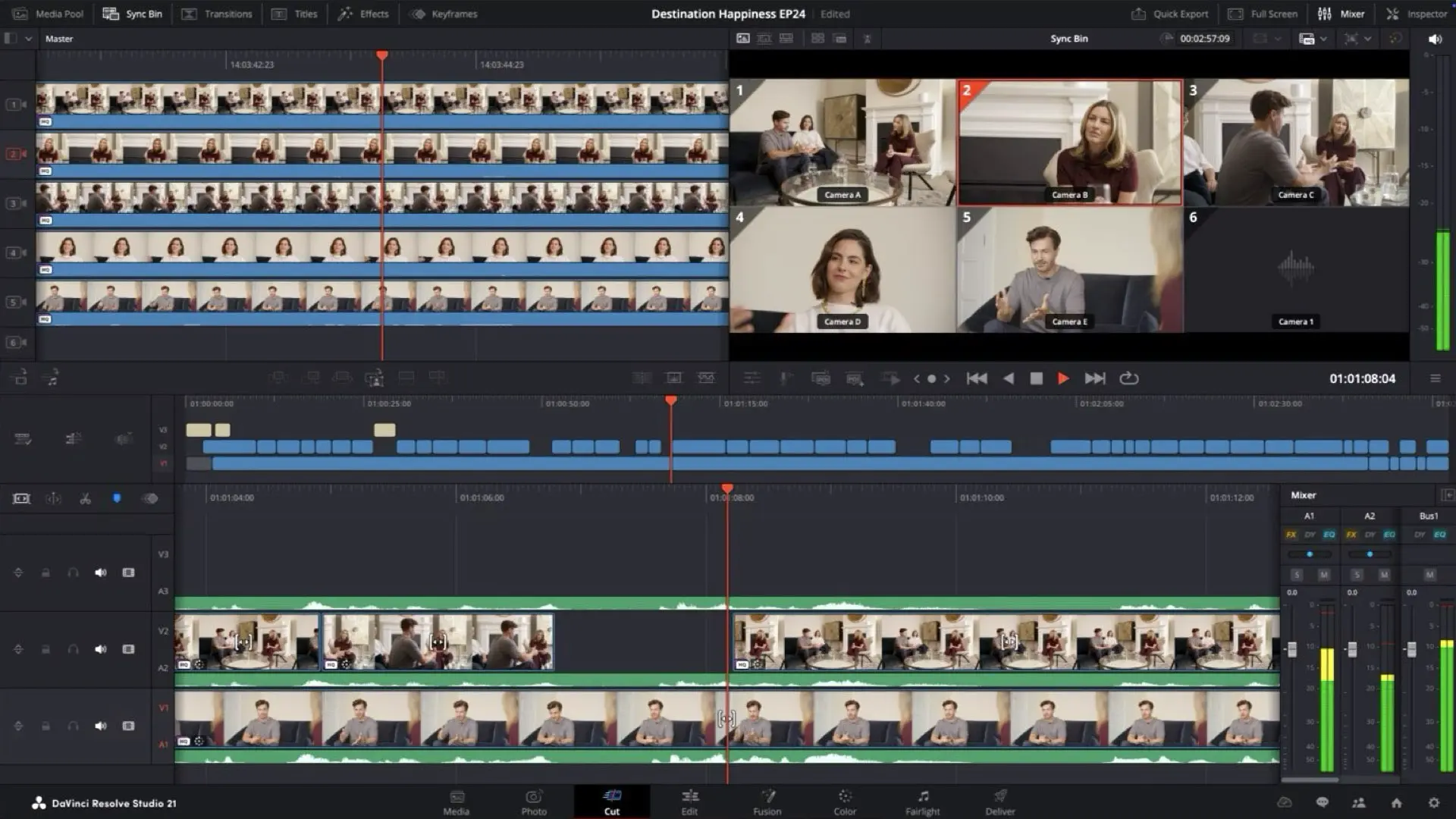
DaVinci Resolve 21.2 also includes improvements to AI assistant functionality, including expanded capabilities relating to Color and Fusion operations. The update introduces additional scripting API improvements and allows AI assistants to perform further operations involving frames and thumbnails. This follows DaVinci Resolve 21.1, which introduced integration with external AI assistants, including ChatGPT Codex and Claude, enabling users to automate certain project-management and editing operations through conversational instructions. Together, these developments suggest that Blackmagic is continuing to expand Resolve beyond a traditional nonlinear editing application, with greater emphasis on workflow automation and AI-assisted operations. However, the primary story in version 21.2 remains the introduction of touchscreen interaction and hardware-specific performance improvements. DaVinci Resolve 21.2 is available as a free download from Blackmagic Design’s official website.
Gear mentioned in this article
Available on Amazon
| Product | New | Renewed | Used |
|---|---|---|---|
| Apple MacBook Pro | $2,352 | — | From $2,234.40 |
Prices checked: Nov 5, 2026, 7:54 AM GMT+0000
As an Amazon Associate, Y.M.Cinema earns from qualifying purchases. If you buy through our links, we may earn a small commission at no extra cost to you.
Product prices and availability are accurate as of the date/time indicated and are subject to change. Any price and availability information displayed on Amazon.com at the time of purchase will apply to the purchase of this product.
CERTAIN CONTENT THAT APPEARS ON THIS SITE COMES FROM AMAZON. THIS CONTENT IS PROVIDED “AS IS” AND IS SUBJECT TO CHANGE OR REMOVAL AT ANY TIME.