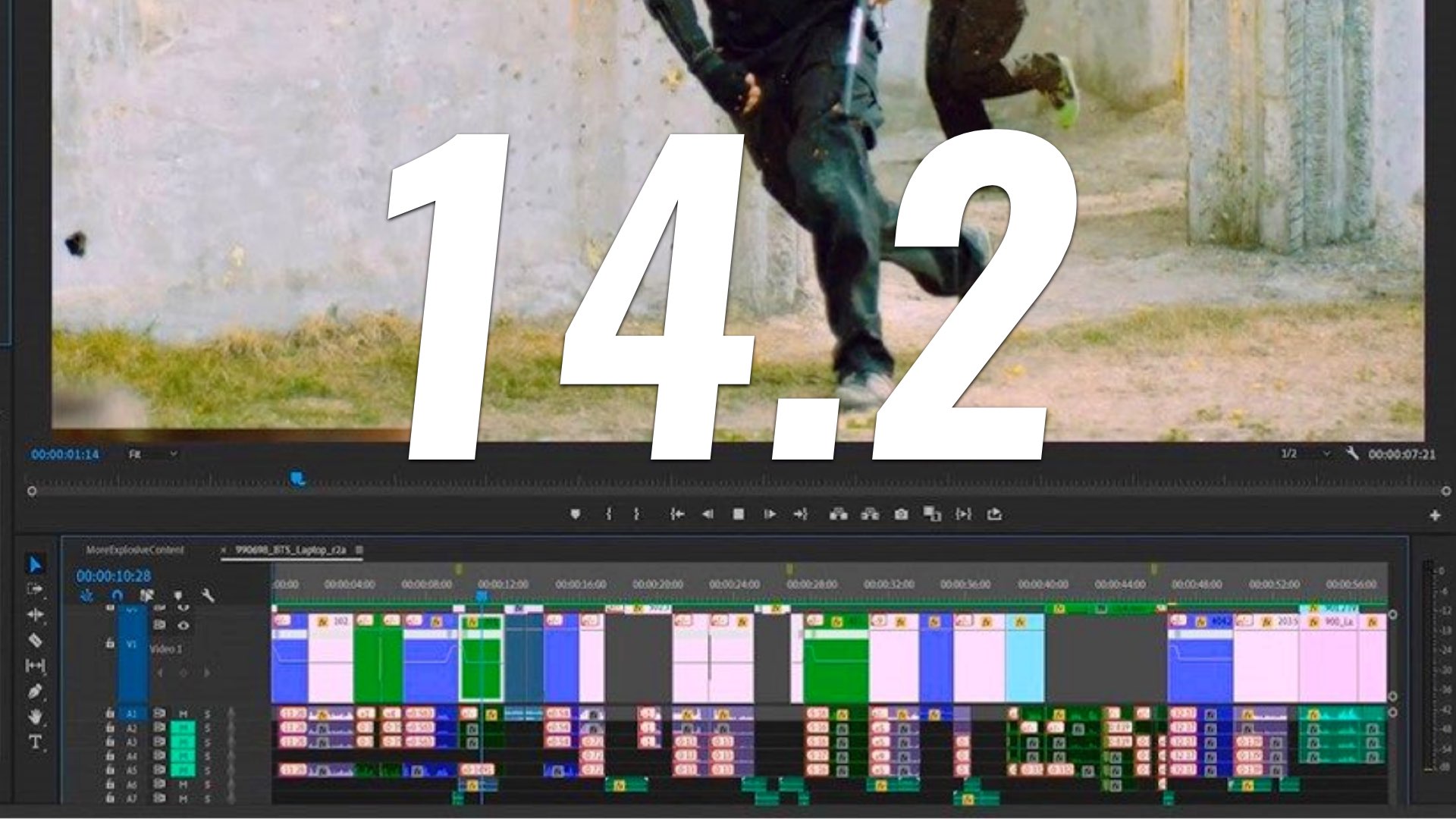
It appears that Adobe is taking seriously users’ feedback and released an improved version of its NLE focusing on stability and performances. Now, the new Premiere Pro 14.2 supports ProRes RAW, faster encoding and decoding, plus more goodies. Read on.

Enhanced stability
It’s no secret that ADOBE’s NLE – Premiere Pro has been suffering from stability issues, especially after upgrading to newer versions. If you asked us, ADOBE needs to improve its QA cycle and not just push new versions for users. However, it seems that ADOBE was aware of that and has been sharpening its product management methodologies, by introducing the public Beta program. This program was created to expand ADOBE’s test base and to incorporate user engagement and feedback within the development process. According to ADOBE, many users have been able to take advantage of the Premiere Pro’s System Compatibility Report, to identify problems with out-of-date drivers. ADOBE claims that a large percentage of problems stem from insufficient hardware specs or out-of-date drivers. Thus, these reports help to facilitate development efficiency and thus minimize stability issues. However, only time will tell.

Premiere Pro 14.2: Improved performances
When talking about NLEs (Non-Linear Editors), performance can be measured in areas like playback (decoding), exporting (encoding), UI responsiveness, and how fast individual features work. Premiere Pro 14.2 seems to be focused on encoding and decoding capabilities from the GPU side and also from the CPU side. Let’s explain it further.
Improved playback: Intel Quick Sync Video (QSV)
File formats can impact performance. For example, heavily compressed codecs like H.264 and H.265 (HEVC) are demanding processor-intensive formats for post-production. To accelerate playback of these codecs on Premiere Pro, a hardware decoding for macOS and Intel Quick Sync Video on Windows was implemented, in collaboration with Intel. The Intel Quick Sync Video (QSV) debuted in January 2011 in cooperation with Adobe, helps to optimize Premiere Pro video transcoding operations. According to Intel: “Over the years we have seen progress in our hardware capability, providing steady gains in performance on Adobe software along the way”. Since its introduction in 2011, Intel Quick Sync Video has improved through many generations to enhance media experiences with longer battery life, premium content playback, clearer video chat and video conferencing, smooth wireless display, faster and higher quality transcode, and more.

Engineering and partnership with ADOBE on these software tools aren’t new, but capability and performance in mobile systems where power and thermals are restricted have taken a significant leap, generation to generation. Have a look at the slide below that shows the progress.

Enhancing the speed of ProRes playback
ADOBE claims that they’ve made gains in playback performance for other formats, including Apple ProRes codecs. It’s important to note that the playback performances are being measured based on the number of streams that Premiere Pro can playback simultaneously at HD and 4K (UHD) resolutions. Explore the graph below that shows the playback capacity (number of ProRes 422 HQ streams) of Premiere Pro 14, compared to previous versions. This was tested on HP desktop and mobile workstations. We can notice a significant improvement in ProRes 422 HQ playback capabilities. However, there is no graph regarding the 14.2 version and ProRes RAW streams, which is required.

Faster export on heavily compressed codecs (H.264, H.265)
Premiere Pro 14.2 offers hardware encoding for the heavily compressed H.264 and HEVC formats across the full range of macOS and Windows systems. With new support for NVIDIA and AMD GPUs on Windows, Premiere Pro claims to leverage hardware acceleration to speed up encoding on those systems. Check out the slide below that shows export speed gains using the hardware-based encoding (NVIDIA) (14.2 compared to the previous version of Premiere Pro).

NVIDIA Encoder Acceleration (NVENC)
ADOBE (and NVIDIA) claim that editors can export high-resolution videos up to 5x faster than on CPU, utilizing the NVIDIA Encoder Acceleration in Adobe Premiere Pro. It’s important to mention that Premiere Pro has long supported Nvidia’s CUDA cores for accelerating video effects and even improving export times. However, this new update optimizes the app to use the separate hardware encoder on Nvidia’s GPUs. It’s supposed to improve export times for H.264 or H.265 / HEVC codecs. Check out the video below which demonstrates NVIDIA GPU-acceleration benefits on Premiere Pro 14.2.
With new support for NVIDIA GPUs on Windows, exports are hardware accelerated leveraging the power of the GPU to make Premiere Pro more powerful and keep video creators productive and nimble.
Manish Kulkarni, senior engineering manager at ADOBE
For instance, the music video below (check out the screenshot of the timeline) is three minutes and nine-seconds long. With traditional software encoding using a Core i9-9750H laptop CPU, it takes 3:48 to export. Nevertheless, according to ADOBE, by using the NVIDIA hardware encoder on a GeForce RTX 2060 Max-Q GPU, the export completes in one-fifth the time — a mere 47 seconds.

The Video encoding joins a growing list of Premiere Pro features enhanced by NVIDIA GPUs, including accelerated video effects using CUDA, and Auto Reframe with GPU-accelerated AI. “These improvements are the result of years of collaboration between NVIDIA and Adobe to deliver high-quality applications and tools to creators,” said Manish Kulkarni, senior engineering manager at ADOBE. “With new support for NVIDIA GPUs on Windows, exports are hardware accelerated leveraging the power of the GPU to make Premiere Pro more powerful and keep video creators productive and nimble”.

Apple ProRes RAW
One of the most important features on 14.2, is the ability to import and edit ProRes RAW files in Windows with no need to transcode. ProRes RAW support in Premiere Pro and After Effects provides a comprehensive, cross-platform solution for Apple ProRes RAW workflows from camera media through to delivery. The privilege of working with ProRes RAW without the need for another process of transcoding is crucial for workflow efficiency regarding this fast-spreading codec. In case we’d like to learn more about ProRes RAW, make sure to read our articles about this interesting codec by Apple.

Final thoughts
As the synergy and product development between ADOBE and NVIDIA continues, we’d like to see some implementation regarding AMD’s GPUs. Although AMD’s GPU utilization is mentioned in 14.2 version, there is no further data and/or evidence in regard. In our opinion, the most important message from ADOBE is the emphasis on the stability issues of Premiere Pro, and the promise to minimize them by proper product management cycle. Let’s hope to edit on Premiere Pro without the hustles.